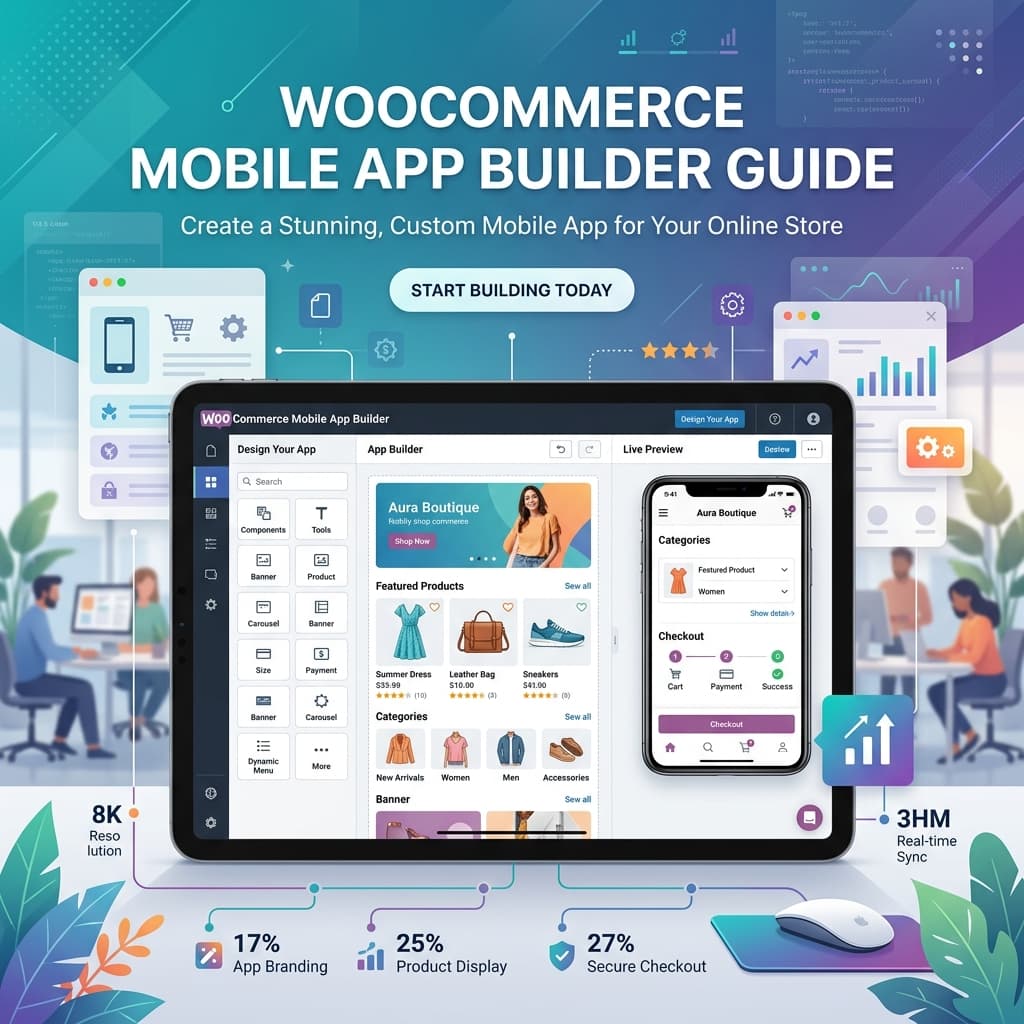
What Is a WooCommerce Mobile App Builder?
Updated April 27, 2026: This guide now includes a sharper evaluation framework for builder selection, updated implementation priorities, and practical red flags to avoid low-quality app solutions.
A WooCommerce mobile app builder is an integration layer plus a native app delivery workflow. It connects to your WooCommerce store via REST API, syncs catalog and order data, and gives non-technical teams a controlled way to launch and iterate iOS/Android apps without engineering bottlenecks.
Unlike responsive themes, a proper builder produces a true app environment with stronger session persistence, push-driven reactivation, and lower friction in repeat purchase journeys. For most stores, choosing the right builder determines whether the app becomes a growth channel or just another maintenance burden.
Why WooCommerce Store Owners Need an App Builder
Building a custom mobile app from scratch costs 50,000 to 150,000 dollars and takes three to six months with a professional development team. For most WooCommerce store owners, that is not a realistic investment. App builders solve this problem by offering:
- No-code visual editors for designing your app layout without writing Swift, Kotlin, or JavaScript
- Automatic WooCommerce sync for products, orders, customers, and inventory via the REST API
- One-click builds that generate ready-to-submit App Store and Play Store binaries
- Ongoing maintenance so you do not need a developer on retainer for updates, bug fixes, or OS compatibility
The math is simple. If a custom app costs 75,000 dollars and an app builder costs 499 dollars per year, you would need to use the custom app for over 150 years to match the value of the builder approach. For the vast majority of WooCommerce stores, an app builder is the only sensible choice.
Key Features to Look For
When evaluating WooCommerce app builders, prioritize these capabilities:
1. Native Performance
Avoid WebView-based solutions that simply wrap your website in a native shell. These look like apps on the surface but perform like slow mobile websites underneath. Look for builders that use React Native or true native frameworks to deliver smooth, fast performance with 60-frames-per-second animations and sub-second load times.
2. Real-Time Data Sync
Your app should automatically reflect every change from WooCommerce. When you add a new product, update a price, change inventory levels, or process an order, those changes need to appear in the app within seconds — not minutes or hours. BrewmyApp syncs all data types in real time using webhooks and API polling.
3. Visual App Designer
A drag-and-drop or block-based editor lets you customize your app without coding. Look for builders that offer configurable home screen layouts, multiple pre-built themes, full branding control including logo, colors, app icon, and splash screen. BrewmyApp's visual designer provides all of these with a live preview on your actual device.
4. Push Notifications
Push notifications are the number-one advantage of having a mobile app. They deliver ten-times higher engagement than email and are essentially free to send. Make sure your builder includes unlimited push notifications without per-message fees.
5. Affordable and Transparent Pricing
Compare the total cost of ownership, not just the monthly fee. Some builders charge 200 dollars or more per month with hidden fees for builds, integrations, or per-push charges. BrewmyApp's pricing starts at 499 dollars per year with no hidden costs, no revenue share, and unlimited push notifications included.
6. App Store Publishing Support
Publishing to the Apple App Store and Google Play Store involves developer accounts, code signing, screenshots, and review processes. Good builders either handle this for you or provide detailed step-by-step guidance. BrewmyApp offers both self-guided publishing and an optional 99-dollar publish-for-you service.
Top WooCommerce Mobile App Builders in 2026
For a detailed comparison of all available options with pricing tables and feature matrices, read: Best WooCommerce Mobile App Builders Compared.
Here is a quick overview of the landscape:
| Feature | BrewmyApp | MobiLoud | AppPresser |
|---|---|---|---|
| Native app | React Native | WebView wrapper | Hybrid Ionic |
| WooCommerce sync | Real-time API | Website mirror | Basic API |
| Visual editor | Block-based | Limited | Limited |
| Push notifications | Unlimited free | Via OneSignal | Via OneSignal |
| Starting price | 499 dollars per year | Custom enterprise | 228 to 948 dollars per year |
| Free preview | Yes | No | 30-day trial |
| Shopify support | Yes | Yes | No |
The WooCommerce app builder market is smaller than the Shopify market because most competitors focus exclusively on Shopify. This actually benefits WooCommerce store owners because BrewmyApp provides dedicated features and support specifically optimized for the WooCommerce ecosystem.
How to Build Your WooCommerce App with BrewmyApp
Follow our complete walkthrough: How to Turn Your WooCommerce Store into a Mobile App.
The process takes less than an hour from start to preview:
- Sign up for free — no credit card required
- Connect your WooCommerce store with your REST API keys
- Customize your app design with the block-based visual editor
- Preview on your actual iOS or Android device
- Upgrade to a paid plan and build when you are ready to publish
Understanding the Build Process
Once you click Build, BrewmyApp uses the Expo EAS Build pipeline to generate native binaries. The process handles code compilation, asset bundling, code signing, and binary packaging automatically. You receive a downloadable IPA file for iOS and an AAB file for Android that are ready to upload to the respective app stores.
After your initial build, subsequent updates can often be pushed over the air without a new build. This means design changes, content updates, and configuration tweaks reach your users instantly without waiting for app store review.
Frequently Asked Questions
Do I need coding skills? No. BrewmyApp is a no-code platform designed for non-technical store owners. Everything is done through visual editors and configuration screens.
Will my WooCommerce plugins work? Your payment gateways, shipping methods, tax calculations, and checkout flow work through the WooCommerce API. The app syncs with your existing store setup including any plugins that extend the standard WooCommerce data model.
How long does it take to launch? Most store owners go from signup to a working app preview in under 30 minutes. Publishing to app stores takes one to two weeks for Apple review and a few days for Google Play.
Can I have multiple stores? Yes. Each store gets its own app with its own branding, design, and settings. Additional stores are billed separately.
What if I switch from WooCommerce to Shopify later? BrewmyApp supports both platforms, so you can reconnect to a Shopify store and keep using the same app builder. Read our comparison: WooCommerce vs Shopify: Which Is Better for Mobile Apps?.
Start Building Today
Create your free account and see your WooCommerce store as a mobile app in minutes. Check out how it works for a visual walkthrough of the entire process.
More resources:
Ready to Turn Your Store into a Mobile App?
Design and preview your app for free. No coding required.
Start Building for Free