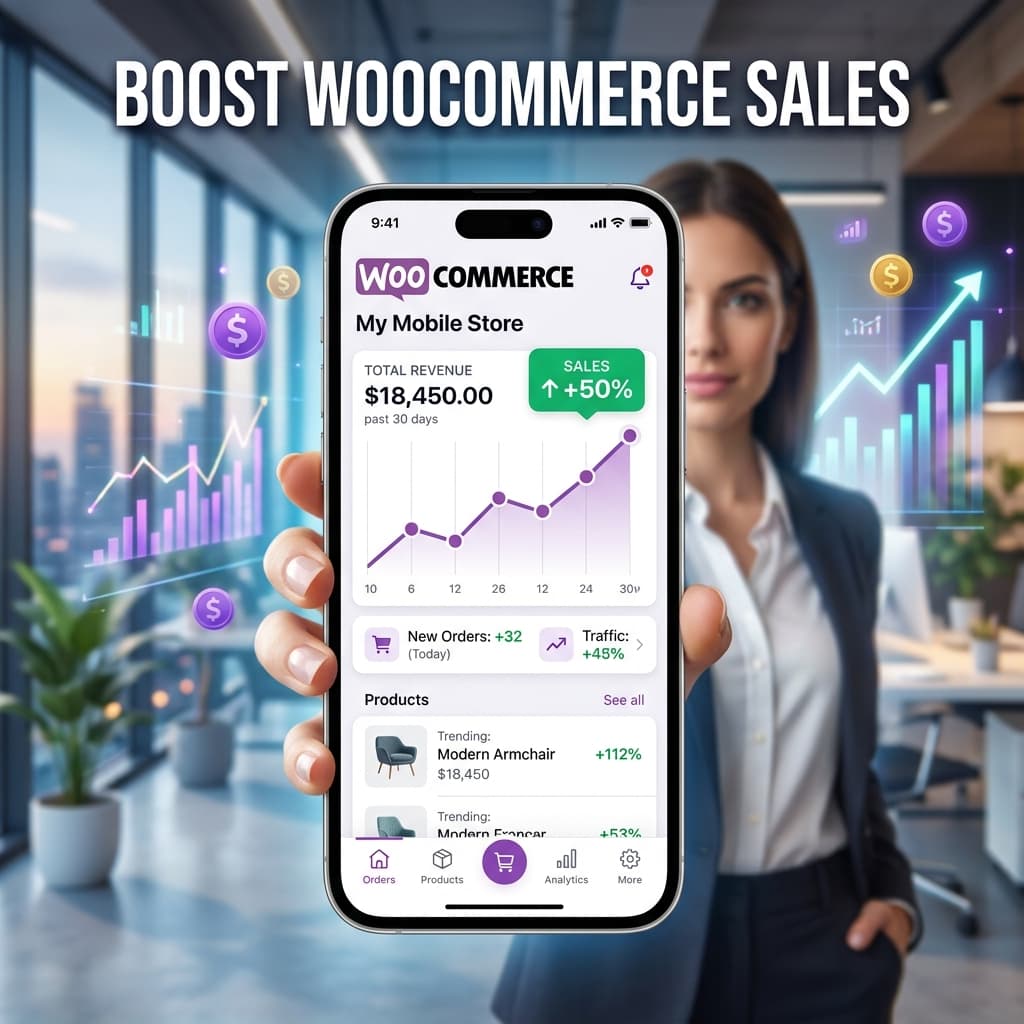
Proven Strategies to Boost WooCommerce Sales with a Mobile App
Having a mobile app for your WooCommerce store is just the first step. To truly maximize revenue, you need the right strategies in place from day one. The difference between a mobile app that generates incremental revenue and one that transforms your business comes down to how you use the unique capabilities that apps provide.
Here are proven tactics that top ecommerce brands use to drive sales through their mobile apps, along with specific implementation details you can act on today.
Strategy 1: Push Notification Campaigns
Push notifications are your highest-ROI marketing channel by a significant margin. They cost nothing to send, have open rates between 50 and 70 percent, and drive immediate action because they appear directly on the customer's lock screen.
Abandoned Cart Recovery
Send a push notification 30 to 60 minutes after a customer leaves items in their cart. Include the product name and a compelling message that creates urgency. Stores using abandoned cart push notifications recover 15 to 25 percent of abandoned carts on average.
Here is a proven three-message sequence:
- 30 minutes after abandonment: "You left [Product Name] in your cart. Complete your order before it sells out!"
- 4 hours later: "Still thinking about it? Your cart is saved and waiting for you."
- 24 hours later: "Last chance — [Product Name] is selling fast. Complete your order now and get free shipping."
Flash Sales and Promotions
Create urgency with time-limited push notifications. A message like "24-Hour Flash Sale: 30 percent off all products" drives immediate action because push notifications are seen within minutes of sending. The combination of urgency and instant visibility makes flash sales via push incredibly effective.
Best practices for flash sale pushes:
- Send early in the day to maximize the sale window
- Include specific discount percentages rather than vague "sale" language
- Use a countdown element in your app to reinforce urgency
- Send a reminder push when two hours remain
Order Status Updates
Keep customers engaged with shipping notifications, delivery confirmations, and order status updates. These transactional notifications build trust, reduce support inquiries, and encourage repeat purchases. Transactional push notifications have open rates exceeding 80 percent because customers actively want to see them.
Re-Engagement Campaigns
Target customers who have not opened your app in 14 or 30 days with a compelling offer. "We miss you! Here's 20 percent off your next order — code COMEBACK20." Win-back campaigns recover lapsed customers at a fraction of the cost of acquiring new ones.
Learn more: Push Notifications for Ecommerce Revenue
Strategy 2: App-Exclusive Deals
Give customers concrete reasons to download and keep using your app:
- App-only discount codes: Offer 10 to 15 percent off for the first app purchase. This drives initial downloads and first purchases in the app.
- Early access: Let app users shop new arrivals 24 hours before they appear on the website. Exclusivity makes customers feel valued.
- App-exclusive products: Release limited editions or colorways only available in the app. This creates buzz and drives downloads through social media sharing.
- Loyalty rewards: Implement a points system exclusive to app users where purchases earn points redeemable for discounts on future orders.
- Free shipping threshold: Offer a lower free shipping threshold for app orders versus web orders. For example, free shipping on orders over 30 dollars in the app versus 50 dollars on the website.
These strategies increase both downloads and long-term retention. BrewmyApp supports all of these through its built-in features and WooCommerce coupon integration.
Strategy 3: Optimize Your App Design for Conversions
Your app's design directly impacts whether customers browse and leave or browse and buy. Small design improvements can yield significant revenue increases. Key principles:
- Simplified navigation: Use three to five bottom tabs maximum. Every product should be reachable within two taps from the home screen. Complicated navigation trees kill conversions.
- Fast product discovery: Place search prominently, include filters for price and category, and feature category carousels on the home screen so customers can jump directly to what they want.
- One-tap cart actions: Let customers add items to cart without navigating away from the product list. A simple "Add to Cart" button on each product card in the grid eliminates unnecessary page loads.
- Streamlined checkout: Support saved payment methods and addresses so returning customers can complete purchases in seconds. Minimize form fields and support auto-fill wherever possible.
- Visual hierarchy: Use your home screen banner for the highest-impact promotion. Follow it with bestsellers, then categories, then new arrivals. The sequence guides customers toward purchase.
Read our comprehensive design guide: WooCommerce Mobile App Design Best Practices
Strategy 4: Smart Product Sync and Merchandising
Your WooCommerce product data is the foundation of your app experience. Getting it right matters:
- Real-time inventory sync: Never display out-of-stock products as available. Nothing kills trust faster than a customer completing checkout only to receive an out-of-stock notification.
- Dynamic pricing: Sale prices, promotional pricing, and bulk discounts must update instantly in the app. Stale pricing leads to customer complaints and support tickets.
- Complete product data: Ensure all product images are high-quality and properly sized for mobile screens. Include complete descriptions, all variations with individual images, and accurate attributes.
- Strategic product ordering: Feature your highest-margin and best-converting products prominently. Use the visual editor to create curated collections on your home screen.
BrewmyApp handles real-time sync automatically through the WooCommerce REST API. Learn more about syncing your WooCommerce products with a mobile app.
Strategy 5: Cross-Channel Marketing to Drive App Installs
The more customers you move into your app, the more revenue it generates. Use every existing channel to drive installs:
- Website smart banner: Show a "Get our app" banner to mobile website visitors. This targets the exact audience that benefits most from the app experience.
- Email campaigns: Include app download links and QR codes in order confirmation emails, shipping notifications, and newsletters. Post-purchase is the best time to ask for an app install because customer satisfaction is highest.
- Social media: Promote app-exclusive deals on Instagram, Facebook, and TikTok. Create short-form video content showing the app experience and highlighting app-only benefits.
- Packaging inserts: Include a card with a QR code linking to your app in every shipment. Physical touchpoints drive surprisingly high install rates because customers are already engaged with your brand.
- Post-purchase page: After a web checkout, redirect to a page promoting your app with the message "Get faster checkout and exclusive deals — download our app."
Strategy 6: Leverage Customer Reviews and Social Proof
Social proof drives conversions in any channel, but it is especially powerful in mobile apps:
- Display product ratings and review counts prominently on product cards in grid views
- Show recent purchase notifications to create urgency and social validation
- Feature user-generated content and customer photos in your app's home screen sections
- Request app store reviews from satisfied customers after successful deliveries to boost your app's visibility
Measuring App Revenue Impact
Track these key performance indicators to measure success and optimize your strategy:
- App conversion rate — Target 4 to 6 percent. If you are below this range, focus on checkout optimization and product page improvements.
- Push notification open rate — Target 50 percent or higher. If lower, experiment with send times, message copy, and frequency.
- App revenue as percentage of total revenue — Target 20 to 30 percent within six months of launch. Track this weekly to measure progress.
- App user lifetime value versus web user lifetime value — Expect three to four times higher. This validates the ROI of your app investment.
- Cart abandonment rate — Target under 30 percent. If higher, review your checkout flow for friction points.
- Push notification revenue per send — Track how much revenue each push campaign generates to identify your most effective message types.
- App install rate from mobile web — Track what percentage of mobile web visitors install the app. Optimize your smart banner messaging to improve this number.
Get Started
Build your WooCommerce app for free with BrewmyApp. See your store as a mobile app in minutes and start implementing these revenue-boosting strategies immediately.
Related reads:
Ready to Turn Your Store into a Mobile App?
Design and preview your app for free. No coding required.
Start Building for Free