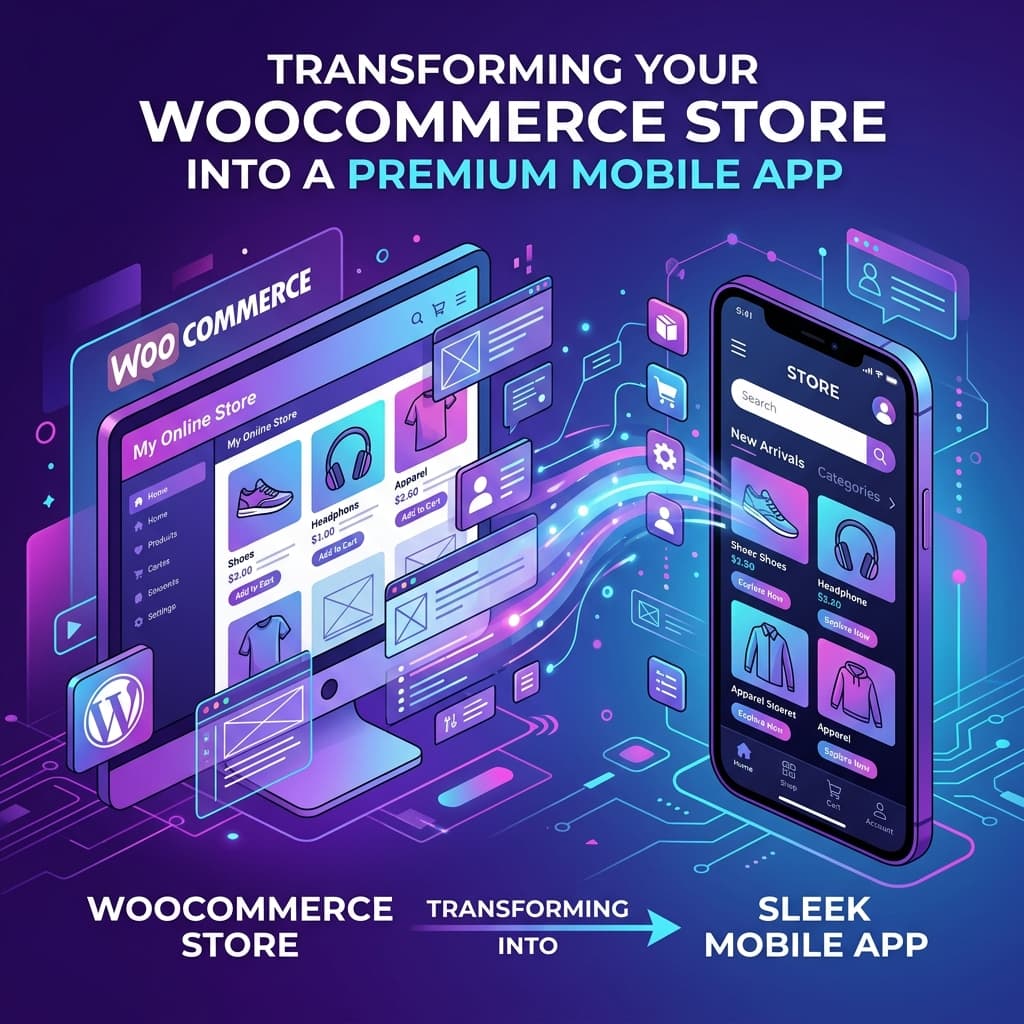
Quick answer: To turn a WooCommerce store into a mobile app, connect your store to a no-code app builder using your WooCommerce REST API keys, design your screens in a visual editor, preview the app on your phone, then build and publish native iOS and Android apps. Most stores get a working preview in under 30 minutes — no coding required.
The four steps:
- Connect your WooCommerce store via REST API keys
- Design your app in the visual editor
- Preview it live on your device
- Build and publish to the App Store and Google Play
Why Turn Your WooCommerce Store into a Mobile App?
Updated April 27, 2026: We refreshed this guide with a tighter build workflow, clearer WooCommerce REST API key setup steps, and a stronger launch checklist based on recent merchant onboarding patterns.
Most WooCommerce stores already have traffic, products, and checkout flow in place. The growth bottleneck is usually mobile retention, not product-market fit. Converting your store into a native app closes that gap by creating a faster buying loop with home-screen visibility and re-engagement channels.
Compared with mobile-web-only journeys, apps usually improve repeat purchase behavior through persistent sessions, stronger cart continuity, and push notification recovery flows. For stores already doing stable web sales, this is often the highest-leverage expansion channel.
In this guide we will walk you through exactly how to turn your WooCommerce store into a mobile app using BrewmyApp — without writing a single line of code.
The Problem with Mobile Web for WooCommerce Stores
Even the best-optimized WooCommerce themes struggle on mobile devices. Here is why:
- Slow load times — Mobile web pages take three to five seconds to load on average, while native apps load content in under one second because data is cached locally on the device.
- No push notifications — You cannot re-engage customers effectively through mobile web alone. Email open rates hover around 15 to 20 percent, whereas push notification open rates exceed 50 percent.
- Higher cart abandonment — Mobile web cart abandonment rates exceed 85 percent. Native apps cut that figure to roughly 20 percent thanks to saved payment methods, persistent carts, and a smoother checkout experience.
- No home screen presence — Without an app icon on the customer's phone, you are competing with thousands of browser tabs and bookmarks that are easily forgotten.
- Session limits — Mobile browsers clear cookies, log users out, and lose cart contents. Apps keep users signed in and their carts intact indefinitely.
- Limited device access — Mobile web cannot access device features like biometric authentication, camera-based barcode scanning, or advanced haptic feedback that make native apps feel polished.
These limitations compound over time. Every day without a mobile app is another day of lost conversions and missed engagement.
Step 1: Connect Your WooCommerce Store
With BrewmyApp's no-code app builder, connecting your WooCommerce store takes less than five minutes:
- Sign up for a free account at BrewmyApp.
- Enter your WooCommerce store URL in the setup wizard.
- Generate REST API keys in your WooCommerce dashboard by navigating to WooCommerce, then Settings, then Advanced, then REST API, then Add Key.
- Paste your Consumer Key and Consumer Secret into BrewmyApp.
- Initial sync begins automatically, importing your products, categories, customers, and orders.
Your data stays in sync in real time. Any change you make in WooCommerce — a new product, a price adjustment, an inventory update — is instantly reflected in your mobile app. There is no manual export or CSV upload involved.
What Gets Synced
| Data Type | Direction | Frequency |
|---|---|---|
| Products and variations | WooCommerce to App | Real-time |
| Categories and tags | WooCommerce to App | Real-time |
| Prices and sale prices | WooCommerce to App | Real-time |
| Inventory and stock status | WooCommerce to App | Real-time |
| Orders | Both ways | Real-time |
| Customers | Both ways | Real-time |
| Coupons | WooCommerce to App | Real-time |
| Shipping methods | WooCommerce to App | On setup |
| Payment gateways | WooCommerce to App | On setup |
For a deeper dive into the sync process, read our technical guide: How to Sync Your WooCommerce Products with a Mobile App.
Step 2: Design Your App with the Visual Editor
BrewmyApp includes a block-based visual designer that lets you customize every aspect of your app without touching code:
Home Screen Layout
Arrange your home screen with configurable blocks. Add hero banners with deep links to products, categories, or promotions. Drop in product grids showcasing bestsellers, new arrivals, or sale items. Include category carousels for quick horizontal browsing and promotional sections for seasonal campaigns or app-exclusive deals.
Color Themes and Branding
Choose from four pre-built themes — Minimalist, Ocean, Sunset, and Forest — or create a fully custom palette. Upload your logo, configure your app icon, and set a branded splash screen so the app feels like a natural extension of your brand from the very first launch.
Navigation
Customize the bottom tab bar with up to five tabs. Configure drawer menus for deep category trees. Set up quick-action buttons and shortcut links anywhere in your layout. The navigation structure is fully flexible and adapts to any store size.
Typography and Spacing
Adjust font sizes, weights, and spacing to match your brand guidelines. The visual editor shows changes in real time so you can dial in the perfect look without guessing.
No design experience is needed. See how it works in our step-by-step walkthrough.
Step 3: Preview on Your Device
Before building a production binary, preview your app in real time on your actual phone. BrewmyApp's live preview feature lets you browse your full product catalog, test search and category filtering, add products to cart and step through checkout, receive test push notifications, and check the app on both iOS and Android.
This is not a simulator screenshot. You are interacting with the real app experience on your physical device. Make adjustments in the visual editor and see them reflected instantly.
Step 4: Build and Publish
When you are satisfied with the design, generate production-ready iOS and Android builds with a single click. BrewmyApp handles the Expo EAS Build pipeline for generating native binaries, code signing for both iOS and Android, App Store and Google Play submission guidance with step-by-step instructions, and over-the-air updates for pushing design changes without going through app store review again.
Most store owners go from first signup to a working preview in under 30 minutes. Publishing to the app stores takes an additional one to two weeks for Apple review and a few days for Google Play.
Check out our pricing plans — you can design and preview for free, and only pay when you are ready to build.
For a complete publishing walkthrough, see: How to Publish Your Ecommerce App on the App Store and Google Play.
Key Features for WooCommerce App Owners
Once your app is live, you will have access to powerful features that drive revenue:
Push Notifications
Send promotions, flash sales, abandoned cart reminders, order updates, and re-engagement campaigns directly to your customers' phones. Push notifications have a 50 to 70 percent open rate compared to 15 to 20 percent for email, and they cost nothing to send. Read our setup guide: WooCommerce Push Notifications: Complete Setup Guide.
Real-Time Product Sync
Products, inventory levels, prices, sale prices, and orders sync automatically from WooCommerce. You never have to manually update the app when you change something in your store.
Native Performance
Built with React Native, your app delivers smooth 60-frames-per-second animations, sub-second screen transitions, and responsive touch interactions. This is not a WebView wrapper — it is a genuine native app.
Secure Checkout
Your existing WooCommerce payment gateways — Stripe, PayPal, Square, and others — work seamlessly in the app. Customers can save their payment methods for one-tap checkout on future orders.
Offline Browsing
Product data is cached on-device, so customers can browse your catalog even with spotty internet. Items added to cart offline sync when connectivity returns.
WooCommerce Mobile App vs Mobile Website
Still wondering if an app is worth the effort? Read our detailed comparison: WooCommerce App vs Mobile Website: Which Converts Better?
The data is clear. Native apps deliver three-times-higher conversion rates, two-times more time spent, and significantly higher average order values compared to mobile websites. Cart abandonment drops from 85 percent on mobile web to roughly 20 percent in native apps.
How Much Does It Cost?
Unlike competitors that charge 200 to 500 dollars per month, BrewmyApp offers transparent pricing starting at 499 dollars per year per store. Design and preview your app for free — no credit card required.
For a detailed cost breakdown comparing custom development, freelancers, WebView wrappers, and app builders, see: The Real Cost of Building a WooCommerce Mobile App.
Common Questions
Do I need coding skills? No. BrewmyApp is a no-code platform designed for non-technical store owners.
Will my WooCommerce plugins work? Your payment gateways, shipping methods, tax calculations, and checkout flow work through the WooCommerce REST API. The app integrates with your existing store setup.
How long does it take to launch? Most store owners go from signup to a working app preview in under 30 minutes. Publishing to the app stores takes one to two weeks for Apple review.
Can I update my app after publishing? Yes. Design changes and content updates can be pushed over the air without a new app store submission. Major feature updates go through the standard build process.
Ready to Get Started?
Join thousands of WooCommerce store owners who are growing their mobile revenue. Start building your app for free and see your store as a native app in minutes.
Related reads:
Ready to Turn Your Store into a Mobile App?
Design and preview your app for free. No coding required.
Start Building for Free