Why Real-Time Product Sync Matters
Updated April 27, 2026: This tutorial now includes a clearer API-first sync model, improved troubleshooting priorities, and practical guardrails to reduce price and inventory mismatch incidents.
For WooCommerce mobile apps, sync quality is a direct revenue variable. The moment product data drifts from store truth, conversion drops and support load spikes. Price mismatches, out-of-stock checkouts, and stale variations are among the fastest ways to lose buyer trust.
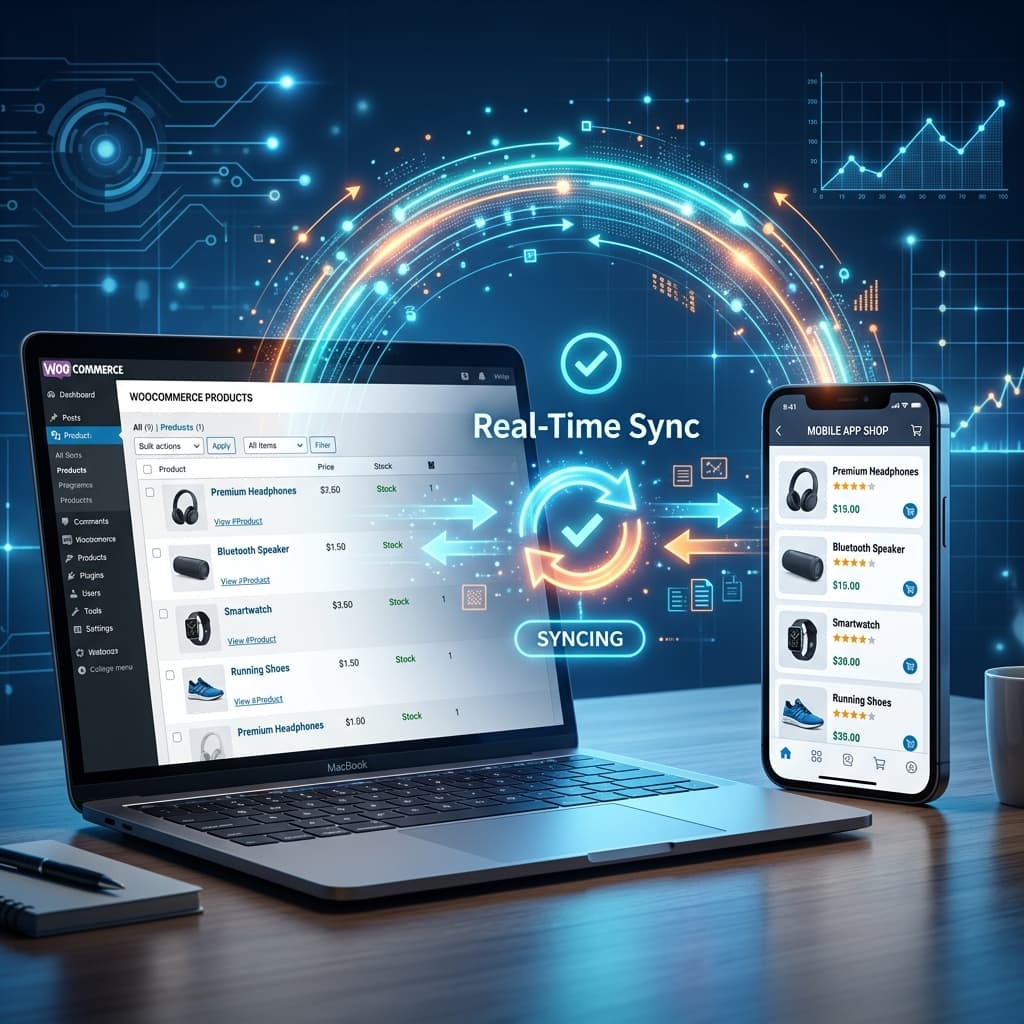
Real-time sync keeps products, prices, stock, and variation data aligned between storefront and app sessions. Treat this as infrastructure, not a feature: stable sync is what makes search, PDP, cart, and checkout experiences reliably shoppable.
How WooCommerce Product Sync Works
The WooCommerce REST API
WooCommerce includes a built-in REST API that exposes your store's data to external applications including mobile apps. The REST API provides endpoints for:
- Products — Names, descriptions, images, categories, tags, attributes, and all metadata
- Variations — Individual product variations with their own prices, images, and stock levels
- Categories — Full category hierarchy with images and descriptions
- Inventory — Stock quantities, stock status, and backorder settings
- Prices — Regular prices, sale prices, and sale date ranges
- Orders — Order creation, payment processing, and status updates
- Coupons — Discount codes and their rules
- Customers — Customer profiles and addresses
When you connect your WooCommerce store to BrewmyApp, the platform uses the REST API to pull all of this data into your mobile app automatically.
Authentication and Security
API access requires authentication to protect your store data. BrewmyApp uses WooCommerce API keys with the minimum required permissions:
- Read access for product, category, and content data
- Read/Write access for orders and customer data (needed for checkout)
- Keys are stored securely and never exposed in the mobile app itself
You generate these API keys in your WooCommerce dashboard under Settings > Advanced > REST API. The process takes less than a minute.
What Gets Synced
Product Data
Every aspect of your product catalog syncs automatically:
- Product title and slug — Exactly as entered in WooCommerce
- Short and long descriptions — Full HTML content including formatting
- Product images — All gallery images in their original resolution
- Regular price and sale price — Including scheduled sale dates
- Product categories and tags — Complete hierarchy
- Product attributes — Size, color, material, and any custom attributes
- Product type — Simple, variable, grouped, and external products
- SKU — For inventory management and order fulfillment
Variation Data
For variable products, each variation syncs independently:
- Variation-specific price, sale price, and images
- Variation stock quantity and stock status
- Variation-specific descriptions and attributes
- Enabled and disabled status for individual variations
Inventory Data
Inventory sync is critical for preventing overselling:
- Stock quantity — Updated in real time when orders are placed on any channel
- Stock status — In stock, out of stock, and on backorder
- Low stock threshold — Reflected in the app's availability display
- Backorder settings — Allow backorders, do not allow, or allow with notification
Category Data
Your full category structure syncs to enable proper navigation in the app:
- Category hierarchy (parent and child relationships)
- Category images and descriptions
- Category display order
- Empty category handling
Sync Frequency and Methods
Real-Time Sync
When a customer opens a product page in your app, the latest data is fetched from the WooCommerce REST API. This ensures prices and stock levels are always current at the moment of viewing.
Background Sync
Product catalog data like names, images, and category structure is synced on a regular schedule in the background. This enables fast app loading because the basic catalog is available locally while detailed data is refreshed on demand.
Webhook-Based Sync
WooCommerce webhooks notify the app platform when specific events occur:
- Product created, updated, or deleted
- Order placed (triggering inventory update)
- Coupon created or modified
Webhooks enable near-instant updates without constant polling of the API.
Common Sync Issues and Solutions
Issue: Products Not Appearing in App
Causes and fixes:
- Product is set to "Draft" in WooCommerce — change status to "Published"
- Product is missing required fields like price — add the missing data
- Product visibility is set to "Hidden" — change to "Catalog" or "Search and catalog"
- API permissions are read-only and do not include the product scope — regenerate API keys with correct permissions
Issue: Prices Not Updating
Causes and fixes:
- Caching plugin on your WordPress site is serving stale API responses — exclude REST API endpoints from caching
- Sale price has expired but the scheduled end date passed — update the sale pricing in WooCommerce
- Currency settings mismatch — ensure your app and WooCommerce use the same base currency
Issue: Images Not Loading
Causes and fixes:
- Image URLs use HTTP instead of HTTPS — update your WordPress site to use HTTPS everywhere
- Images are hosted on a CDN that blocks API requests — add appropriate CORS headers
- Image files are too large causing timeouts — optimize images before uploading to WooCommerce
Issue: Inventory Discrepancy
Causes and fixes:
- Multiple sales channels selling the same inventory without centralized tracking — use a single WooCommerce inventory as the source of truth
- Webhooks are not firing — check WooCommerce webhook settings and ensure your server allows outbound requests
- WordPress cron is not running — ensure server-level cron is configured (wp-cron is not reliable for real-time needs)
Best Practices for Clean Product Data
Your app's quality depends directly on the quality of your WooCommerce product data. Follow these practices:
-
Use high-quality product images — At least 1000 by 1000 pixels, square aspect ratio, white or neutral backgrounds. Consistent image styles across your catalog make the app look professional.
-
Complete all product fields — Name, description, price, category, and at least one image for every product. Incomplete products create a poor experience.
-
Use consistent naming conventions — Standardize how you name products, sizes, and colors across your catalog. "XL" and "Extra Large" should not both appear.
-
Optimize image file sizes — Compress images before uploading. Mobile apps download images over cellular connections and large files cause slow loading. Target under 200 KB per image.
-
Keep inventory accurate — Conduct regular inventory audits to ensure WooCommerce stock levels match physical stock. Enable stock management for all products.
-
Use proper categories — Create a clear, logical category hierarchy. Avoid categories with only one or two products. Aim for at least five products per category.
-
Set up variations correctly — For variable products, ensure every variation has its own price, stock level, and image. Missing variation data creates a confusing customer experience.
Scaling Considerations
As your product catalog grows, sync performance becomes increasingly important:
- Under 500 products: Standard sync handles this without any special configuration
- 500 to 5,000 products: Background catalog sync becomes important to maintain fast app loading
- Over 5,000 products: Consider implementing pagination in your catalog views and prioritizing sync for featured or high-traffic products
BrewmyApp handles all of these scaling considerations automatically, adjusting sync strategies based on your catalog size.
Getting Started
Setting up product sync with BrewmyApp takes minutes:
- Sign up for free
- Enter your WooCommerce store URL
- Generate and paste your WooCommerce API keys
- BrewmyApp automatically imports your entire product catalog
- Preview your products in the app designer
Start syncing your products now | Learn more about features
Related reads:
Ready to Turn Your Store into a Mobile App?
Design and preview your app for free. No coding required.
Start Building for Free