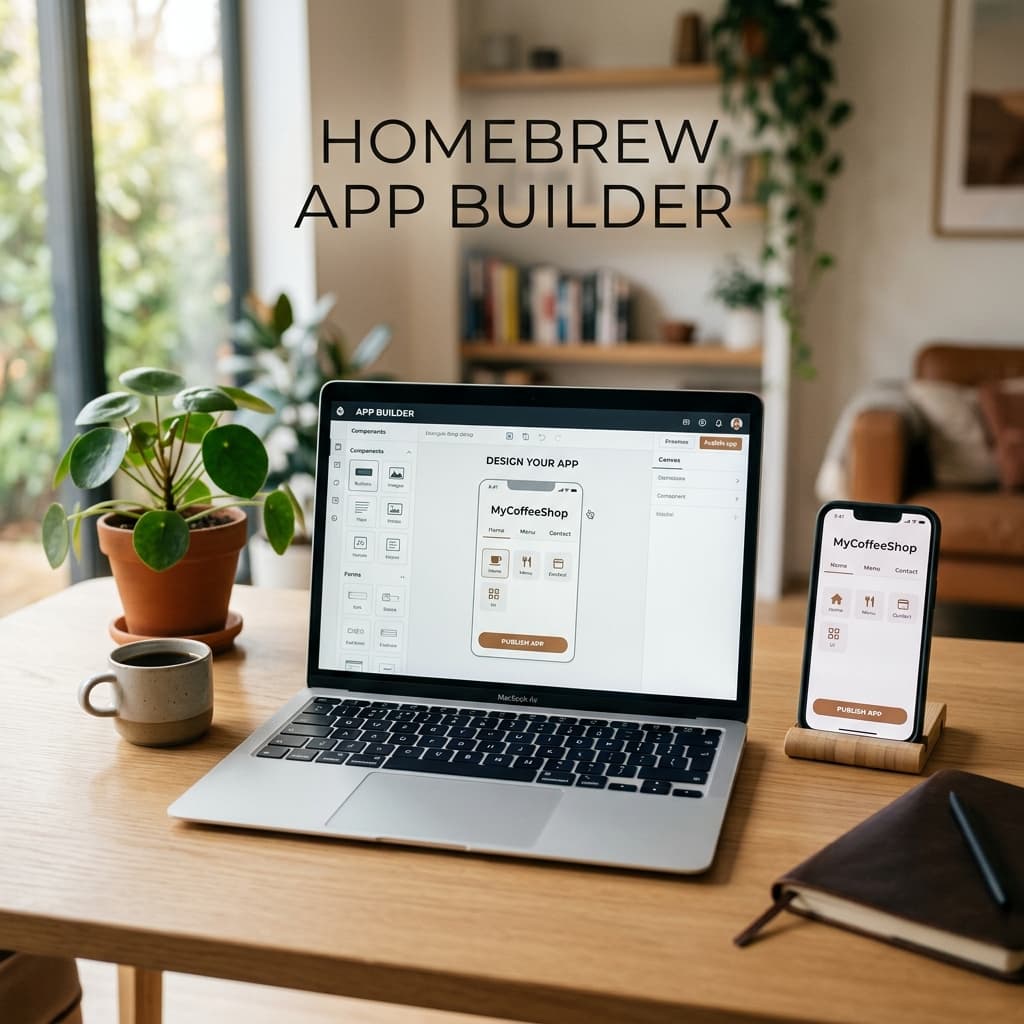
What Is a Homebrew App Builder?
In software culture, homebrew refers to DIY-built tools: software or apps that someone builds themselves, outside of official development channels. In mobile commerce, the homebrew approach means coding your own ecommerce app from scratch rather than using a managed builder.
If you searched for homebrew, app brew, or brew app in the context of mobile apps, you are probably asking one of these questions:
- Can I build a mobile app myself without a developer?
- Is there a DIY app builder I can set up independently?
- How does homebrew development compare to no-code platforms?
This guide answers all three and gives you a decision framework.
Homebrew App Development vs No-Code Builders
There are two approaches to building a mobile app for your Shopify or WooCommerce store:
Option 1: Homebrew (Custom Development)
You or your team write the app from scratch using React Native, Swift, Kotlin, or Flutter. You own the full codebase, control every design decision, and publish the app under your developer accounts.
Trade-offs:
- High upfront cost (developer salaries or agency fees)
- 3–9 month timeline before your first App Store submission
- Ongoing maintenance cost as OS versions and APIs change
- You need in-house mobile expertise or long-term agency retainers
See Shopify mobile app builder vs custom development and WooCommerce mobile app builder vs custom development for a full breakdown of the cost gap.
Option 2: No-Code App Builder (BrewmyApp)
You configure and launch a native iOS and Android app through a visual builder, no coding required. The platform handles sync, App Store publishing, push notifications, and ongoing updates.
Trade-offs:
- Lower upfront cost
- Launch in days rather than months
- No mobile developer dependency
- Platform constraints exist, but are minimal for standard ecommerce use cases
For most Shopify and WooCommerce stores, a no-code approach produces a production-ready app faster and at a fraction of the homebrew development cost.
When Homebrew Development Makes Sense
There are scenarios where custom (homebrew) development is justified:
- Your app requires hardware integrations (AR, custom camera, biometrics) that no-code platforms cannot support
- Your checkout flow requires highly non-standard logic or third-party payment systems
- You have an in-house mobile team and the build is a strategic investment
- You are in a market where platform lock-in is a long-term risk
For standard ecommerce — product browsing, cart, checkout, push, account — homebrew development rarely offers advantages that justify the 10–20x cost premium.
The Brew Concept in Modern App Building
The term brew in the context of app platforms (such as AppBrew, BrewmyApp, or the macOS Homebrew package manager) shares a common idea: assemble components efficiently rather than build from raw materials.
Just as Homebrew (brew.sh) lets Mac users install developer tools in one command instead of compiling from source, no-code app builders let store owners launch a mobile app in days instead of months of custom development.
The principle is the same: leverage pre-built, well-maintained components and focus your energy on what makes your product unique.
Homebrew vs No-Code: Cost Comparison
| Factor | Homebrew Development | No-Code Builder |
|---|---|---|
| Build timeline | 3–9 months | Days to 2 weeks |
| Developer cost | £20,000–£80,000+ | Annual subscription |
| Ongoing maintenance | Monthly retainer | Included in platform |
| Push notifications | Custom build required | Included |
| App Store management | Manual | Supported |
| WooCommerce/Shopify sync | Custom API work | Built-in |
For most Shopify and WooCommerce merchants, the no-code path produces a faster launch, lower risk, and a cleaner path to ROI.
See ecommerce mobile app ROI analysis for financial benchmarks.
Setting Up a No-Code App the Homebrew Way
If you want to build independently — in the homebrew spirit — without writing code, here is the approach:
Step 1: Connect Your Store
Link your Shopify or WooCommerce store to BrewmyApp. Products, collections, pricing, and inventory sync automatically.
- For Shopify: Convert Shopify to Mobile App
- For WooCommerce: Turn WooCommerce Store into Mobile App
Step 2: Design Your App
Use the visual builder to configure:
- Home screen layout and banners
- Product listing and category navigation
- Cart and checkout experience
- Account and order history
Step 3: Configure Push Notifications
Set up automated push campaigns for:
- Abandoned cart recovery
- Back-in-stock alerts
- Flash sale promotions
- Loyalty and win-back sequences
See WooCommerce push notifications setup guide for step-by-step configuration.
Step 4: Publish
Submit to Apple App Store and Google Play. BrewmyApp supports optional done-for-you publishing if you want to skip the App Store review management entirely.
See how to publish your ecommerce app for the full checklist.
Homebrew App vs No-Code: Which Ships Faster?
In every time comparison, no-code builders ship faster. The timeline difference is not marginal — it is typically 10–40x faster.
For merchants with seasonal peaks, a 3-month homebrew build timeline means you miss the launch window. A no-code approach means your app can be live before your next campaign.
Read hidden costs of AI-only mobile app development to understand why DIY builds often cost more than they appear.
Connecting your store to BrewmyApp
Three ways to connect your store
You do not create an account first. Every route below signs you up and connects the store in the same step.
- From the BrewmyApp homepage. Paste your store URL into the box at the top of brewmyapp.io, approve the install, and you land in the designer with your products already synced.
- From the Shopify App Store. Install BrewmyApp directly from Shopify. The install itself creates your account and links the store — nothing to fill in afterwards.
- From the dashboard. Already have a store connected and want to add another? Add it from your stores page.
Whichever you pick, products, collections, variants, and inventory sync automatically. There is no CSV export and no API key to paste.
Building and publishing the app
Builds run on Expo's EAS infrastructure, so nothing compiles on your machine:
- Connect an Expo account. Free to create at expo.dev; the dashboard walks you through linking it.
- Pick your target. Android APK for side-loading and testing, Android AAB for Google Play, iOS IPA for the App Store, or both at once. iPad support is a checkbox.
- Choose the app language. Eleven locales ship built in — English, Spanish, French, German, Portuguese, Italian, Dutch, Hindi, Arabic, Japanese, and Chinese.
- Build. You watch the EAS log stream in the dashboard and get the artifact when it finishes.
- Submit. Turn on auto-submit and the build goes to App Store Connect or Google Play on completion, or download the artifact and upload it yourself.
iOS publishing needs an Apple Developer Program membership ($99/year). After the first build, most changes — layout, colours, banners, product arrangement — ship over the air, so your users get them without a new store review.
BrewmyApp is $99/month or $999/year per store. Designing your app and previewing it on a real device is free — you pay when you build and publish. The app stores charge separately: Apple's Developer Program is $99/year and Google Play is a one-time $25 fee.
Final Verdict
If you searched for homebrew, app brew, or brew app looking for a way to build your own mobile app for a Shopify or WooCommerce store, the fastest and most cost-effective path is a no-code native builder.
BrewmyApp gives you the homebrew spirit — full control over your app, built your way — without the engineering overhead of custom development.
Start at BrewmyApp for Shopify or BrewmyApp for WooCommerce to preview your store as a native app.
Related reads:
Ready to Turn Your Store into a Mobile App?
Design and preview your app for free. No coding required.
Start Building for Free