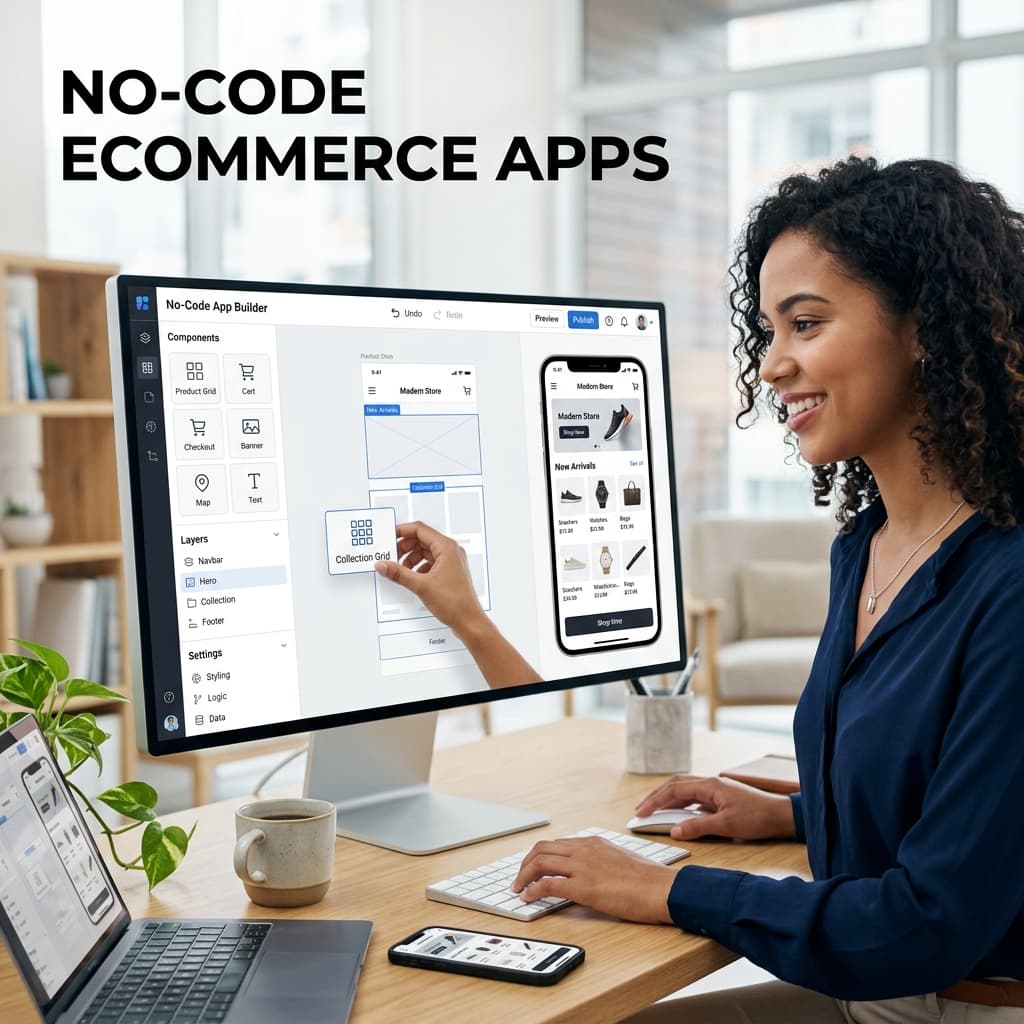
What Are No-Code Ecommerce App Builders?
No-code ecommerce app builders are platforms that enable online store owners to create native mobile apps without writing any code. You connect your ecommerce platform (such as WooCommerce or Shopify), customize the design using a visual editor, and the builder generates real iOS and Android apps ready for the App Store and Google Play.
These platforms have democratized mobile app development for ecommerce businesses. What previously required a development team and a six-figure budget is now accessible to any store owner for a monthly subscription.
How No-Code Builders Work
The Technology Behind the Scenes
Modern no-code ecommerce app builders use several approaches to generate apps:
React Native generation: The builder translates your design choices and configuration into React Native code that compiles to native iOS and Android apps. This approach produces the highest quality apps with native performance. BrewmyApp uses this approach.
Template-based generation: Pre-built app templates are customized with your branding, products, and configuration. The quality depends heavily on the templates available.
WebView wrapping: Your mobile website is displayed inside a native app shell. This is the lowest-quality approach and should be avoided for serious ecommerce use.
What the Builder Handles for You
A comprehensive no-code builder manages everything technical:
- Frontend development — All screens, navigation, animations, and user interface components
- Backend integration — API connections to your ecommerce platform for products, orders, customers, and inventory
- Push notification infrastructure — Apple APNs and Google FCM configuration, device token management, delivery optimization
- App Store compliance — Ensuring apps meet Apple and Google guidelines for approval
- Platform updates — Keeping apps compatible when Apple and Google release new iOS and Android versions
- Performance optimization — Image caching, data management, and rendering efficiency
- Security — Secure API communication, payment data handling, and authentication
What You Handle
As the store owner, you focus on:
- Brand customization — Colors, logo, fonts, and overall visual identity
- Home screen layout — What products and promotions to feature
- Marketing strategy — Push notification campaigns, app launch promotion
- Product data quality — Ensuring your product catalog is complete and well-organized
- Customer support — Handling orders and customer inquiries as usual
Essential Features to Look For
Must-Have Features
1. Native App Output The builder should produce true native apps (React Native, Flutter, or fully native) — not WebView wrappers. Native apps are faster, provide better user experience, and have significantly higher App Store approval rates.
2. Real-Time Product Sync Products, prices, inventory, and categories must sync automatically from your ecommerce platform. Manual product management in the app builder is unsustainable.
For details on sync: How to Sync WooCommerce Products with Your Mobile App
3. Push Notifications Unlimited push notifications included in the plan — not charged per message or limited on lower tiers. Push notifications are one of the primary reasons to have an app, and they should not be a premium add-on.
4. Visual Design Editor A drag-and-drop editor that lets you customize your app without writing CSS or code. You should be able to:
- Arrange home screen sections
- Choose color schemes and typography
- Configure navigation structure
- Add promotional banners and featured products
- Preview changes in real time
5. Checkout Integration The app must support your ecommerce platform's checkout process, including:
- Your existing payment gateways
- Apple Pay and Google Pay
- Discount and coupon codes
- Tax and shipping calculation
- Guest checkout option
6. Both iOS and Android One subscription should cover both platforms. Avoid builders that charge separately for iOS and Android.
Important Secondary Features
- Analytics dashboard — Track app downloads, session data, conversion rates, and push notification performance
- Deep linking — Send users to specific products or pages from push notifications, emails, or social media
- Multi-language support — For stores serving international customers
- Multi-currency — Display prices in the customer's local currency
- Wishlist functionality — Let customers save products for later
- Search with filters — Product search with category, price, and attribute filters
- Customer accounts — Login, order history, address management
What to Avoid
Red Flags in No-Code Builders
Per-transaction fees: Some builders charge one to three percent of every sale made through the app. On 50,000 dollars per month in app revenue, that is 500 to 1,500 dollars — on top of your monthly subscription.
WebView technology: If the app looks and feels like your website inside an app frame, it is a WebView wrapper. These apps have poor performance, high App Store rejection rates, and do not provide the benefits that justify having a mobile app.
Push notification limits: Builders that cap push notifications at 1,000 or 5,000 per month on lower tiers are artificially restricting your most valuable marketing channel. Push sends cost virtually nothing — there is no technical reason for strict limits.
Locked-in publishing: Some builders publish the app under their own developer account, meaning you do not own the app listing. If you ever leave the platform, you lose your app, your ratings, and your download count.
No preview before payment: If you cannot see and test your app before paying, the builder may be hiding quality issues.
Comparison: No-Code vs Custom Development
| Factor | No-Code Builder | Custom Development |
|---|---|---|
| Cost | 500 to 2,000 dollars per year | 30,000 to 200,000 dollars |
| Time to Launch | 1 to 2 weeks | 3 to 12 months |
| Technical Skill Required | None | Extensive |
| Maintenance | Handled by platform | Ongoing developer costs |
| Push Notifications | Included | Must be built and maintained |
| Platform Updates | Automatic | Manual developer work |
| Customization | Design-level | Unlimited |
| Risk | Low (cancel anytime) | High (sunk cost if unsuccessful) |
For 95 percent of ecommerce stores, a no-code builder provides everything needed. Custom development is justified only for stores with unique requirements that no builder can accommodate and budgets to match.
Platform-Specific Guides
- WooCommerce: No-Code WooCommerce App Builder Guide
- Shopify: How to Turn Your Shopify Store into a Mobile App
ROI of a No-Code Ecommerce App
The return on investment is typically dramatic:
- Three-times-higher conversion rates from app users versus mobile web visitors
- Seventy-five-percent reduction in cart abandonment through saved payments and push recovery
- Three-to-four-times-higher customer lifetime value from app users
- Zero-cost marketing channel through unlimited push notifications
For a store doing 10,000 dollars per month in mobile web sales, adding an app typically generates 3,000 to 5,000 dollars in additional monthly revenue — a 20-to-50-times return on the monthly app builder subscription.
See detailed ROI analysis: Ecommerce Mobile App ROI
Connecting your store to BrewmyApp
Three ways to connect your store
You do not create an account first. Every route below signs you up and connects the store in the same step.
- From the BrewmyApp homepage. Paste your store URL into the box at the top of brewmyapp.io, approve the install, and you land in the designer with your products already synced.
- From the Shopify App Store. Install BrewmyApp directly from Shopify. The install itself creates your account and links the store — nothing to fill in afterwards.
- From the dashboard. Already have a store connected and want to add another? Add it from your stores page.
Whichever you pick, products, collections, variants, and inventory sync automatically. There is no CSV export and no API key to paste.
Building and publishing the app
Builds run on Expo's EAS infrastructure, so nothing compiles on your machine:
- Connect an Expo account. Free to create at expo.dev; the dashboard walks you through linking it.
- Pick your target. Android APK for side-loading and testing, Android AAB for Google Play, iOS IPA for the App Store, or both at once. iPad support is a checkbox.
- Choose the app language. Thirteen locales ship built in — English, Spanish, French, German, Portuguese, Italian, Dutch, Hindi, Arabic, Japanese, Chinese, Romanian, and Turkish.
- Build. You watch the EAS log stream in the dashboard and get the artifact when it finishes.
- Submit. Turn on auto-submit and the build goes to App Store Connect or Google Play on completion, or download the artifact and upload it yourself.
iOS publishing needs an Apple Developer Program membership ($99/year). After the first build, most changes — layout, colours, banners, product arrangement — ship over the air, so your users get them without a new store review.
BrewmyApp is $49/month or $499/year per store. Designing your app and previewing it on a real device is free — you pay when you build and publish. The app stores charge separately: Apple's Developer Program is $99/year and Google Play is a one-time $25 fee.
Getting Started with BrewmyApp
BrewmyApp is a no-code app builder designed specifically for WooCommerce and Shopify stores:
- Sign up for free — no credit card required
- Connect your store in minutes
- Design your app with the visual editor
- Preview on your device before building
- Build and publish to both app stores
See how it works | View pricing
Related reads:
Ready to Turn Your Store into a Mobile App?
Design and preview your app for free. No coding required.
Start Building for Free