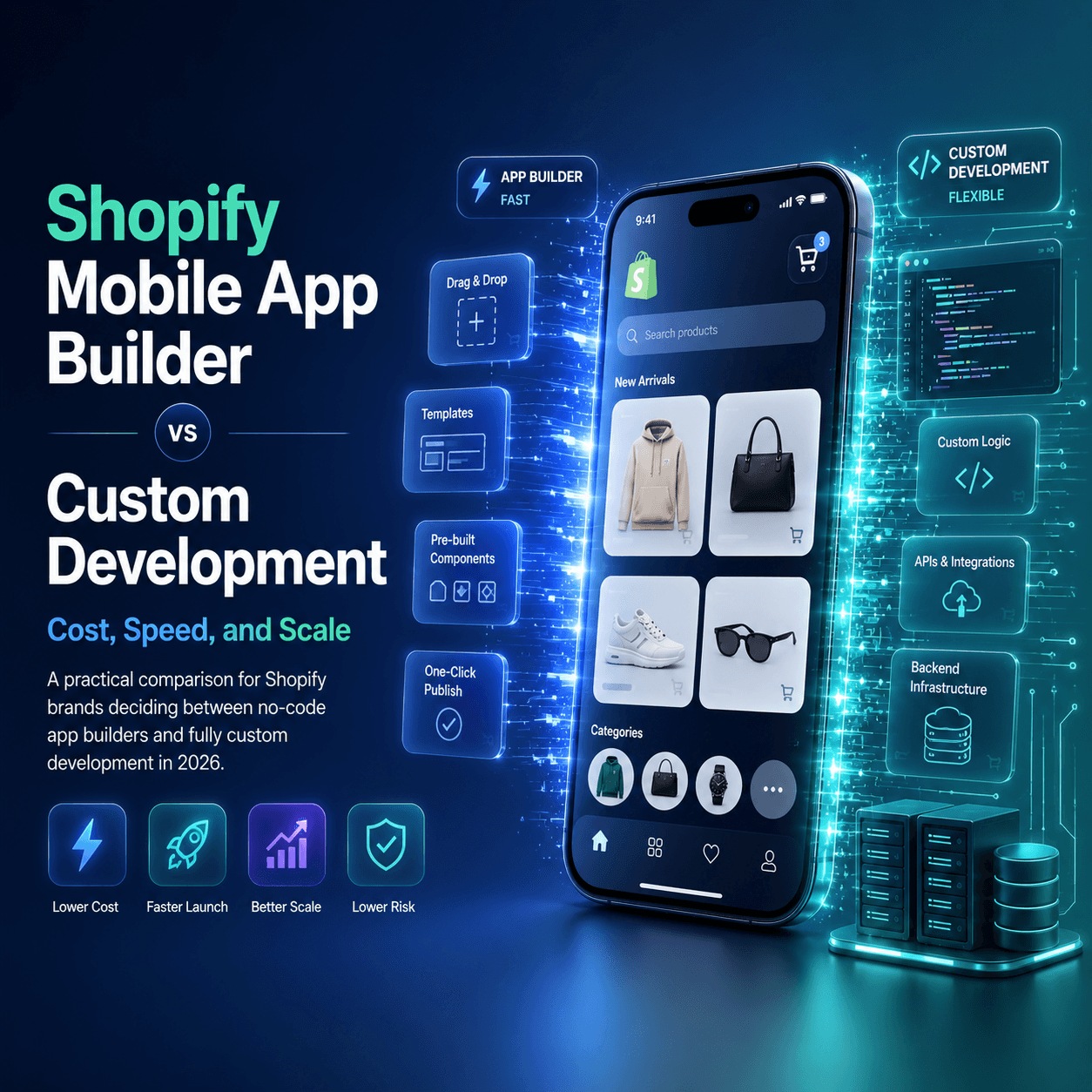
Shopify App Builder or Custom Development?
This is one of the highest-stakes decisions for growth teams. Choose wrong and you lose months of execution plus significant budget. Choose right and you launch faster, learn faster, and improve retention sooner.
Quick Answer for Most Brands
For most Shopify stores, a native no-code builder wins in 2026 because:
- Time-to-market is dramatically faster
- Upfront cost is far lower
- Non-technical teams can iterate continuously
- Maintenance overhead stays manageable
Custom development makes sense only when you need highly unique product logic that a builder cannot support.
Side-by-Side Comparison
| Area | Shopify App Builder | Custom Development |
|---|---|---|
| Launch timeline | Days to weeks | Months |
| Upfront cost | Low | Very high |
| Ongoing maintenance | Included or limited | Continuous engineering cost |
| Iteration speed | Fast for marketing teams | Dependent on dev backlog |
| Technical risk | Lower | Higher |
Total Cost of Ownership
The initial build cost is only part of the equation. You must include:
- iOS and Android maintenance
- OS compatibility updates
- Bug-fix cycles
- Release management and QA
Use Shopify mobile app cost breakdown and pricing comparison to model total spend.
When Custom Development Is Worth It
Custom can be justified if you need:
- Deep proprietary app features
- Highly specialized backend architecture
- Complex integrations unavailable in app builders
- Dedicated in-house mobile engineering resources
If you do not have these constraints, builder-first is usually the superior growth path.
Connecting your store to BrewmyApp
Three ways to connect your store
You do not create an account first. Every route below signs you up and connects the store in the same step.
- From the BrewmyApp homepage. Paste your store URL into the box at the top of brewmyapp.io, approve the install, and you land in the designer with your products already synced.
- From the Shopify App Store. Install BrewmyApp directly from Shopify. The install itself creates your account and links the store — nothing to fill in afterwards.
- From the dashboard. Already have a store connected and want to add another? Add it from your stores page.
Whichever you pick, products, collections, variants, and inventory sync automatically. There is no CSV export and no API key to paste.
What BrewmyApp costs
BrewmyApp is $49/month or $499/year per store. Designing your app and previewing it on a real device is free — you pay when you build and publish. The app stores charge separately: Apple's Developer Program is $99/year and Google Play is a one-time $25 fee.
There is no per-order commission, no push notification metering, and no separate charge for iOS versus Android — one plan covers both native apps for that store.
Final Recommendation
Start with a native builder, validate retention and conversion gains, then consider custom only if clear constraints appear.
Launch your first iteration with BrewmyApp, then optimize based on real usage data.
Related reads:
Ready to Turn Your Store into a Mobile App?
Design and preview your app for free. No coding required.
Start Building for Free