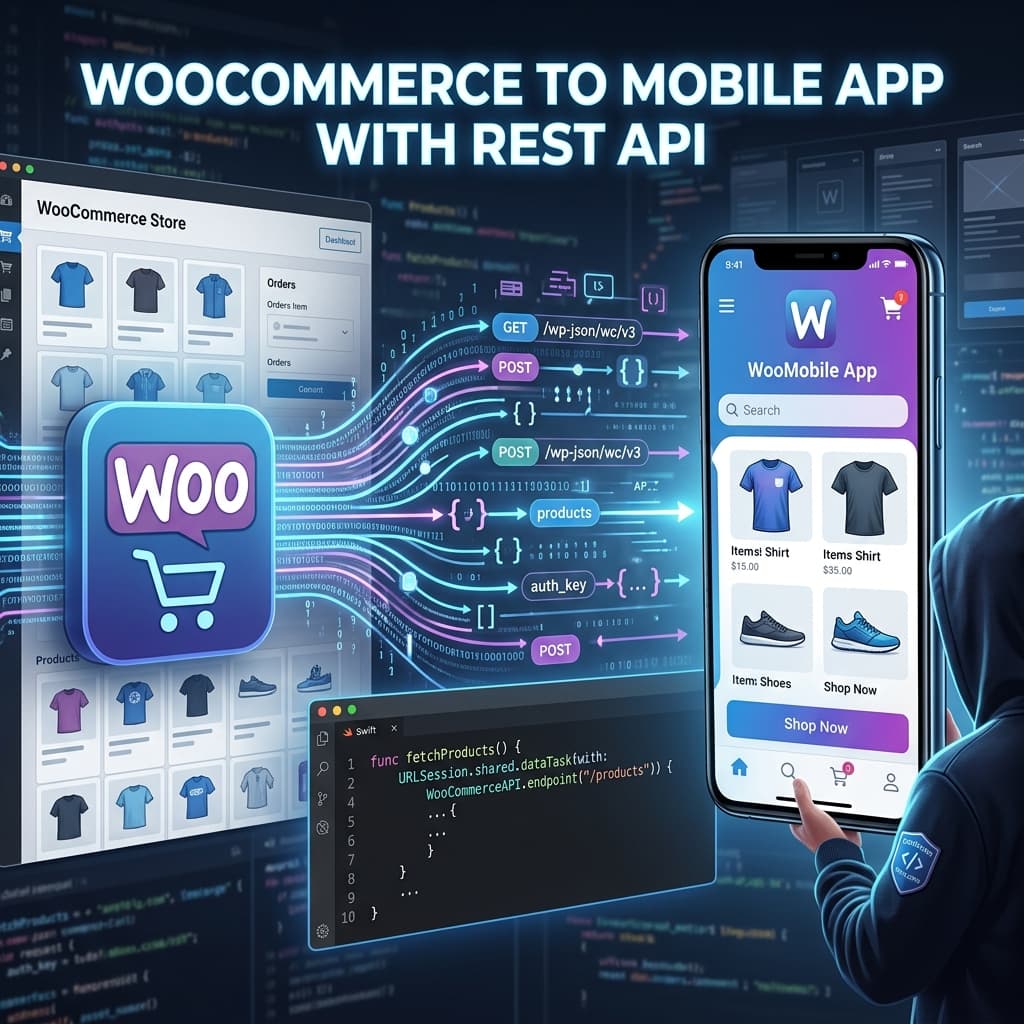
WooCommerce to Mobile App Using REST APIs: Why This Approach Wins
If you want a high-performing WooCommerce mobile app, the WooCommerce REST API is the foundation. It gives your app direct access to products, categories, prices, stock, customers, and orders from your WooCommerce backend.
Instead of manually duplicating catalog data in another system, your mobile app reads from the same source of truth as your web store. That means fewer sync errors, faster updates, and a better customer experience.
For most stores, this is the fastest way to launch a production-ready app without building a custom backend from scratch.
What You Need Before Integration
Before connecting WooCommerce to a mobile app, prepare these essentials:
- Active WooCommerce store with HTTPS enabled
- WooCommerce REST API keys (Consumer Key + Consumer Secret)
- Permalinks configured (not "Plain")
- Product catalog with complete images, pricing, and inventory
- Payment and shipping setup already working on web checkout
If you are not sure how to launch without coding, start with our WooCommerce mobile app landing page and no-code app builder guide.
WooCommerce REST API Basics
WooCommerce exposes a REST API namespace:
- Base path:
/wp-json/wc/v3 - Common resources:
/products/products/categories/orders/customers/coupons
Authentication
In production, authenticate with WooCommerce API credentials over HTTPS. For mobile apps, never expose secrets inside client apps. Route sensitive operations through secure server-side infrastructure or managed integration services.
Typical Data Flow
- App requests product and category data.
- API returns normalized JSON payloads.
- App renders lists, PDP screens, cart, and checkout layers.
- Order and customer actions sync back to WooCommerce.
This architecture is why a properly integrated app can stay consistent with your store in near real time.
Step-by-Step: Convert WooCommerce to Mobile App
Step 1: Generate API Keys
In WooCommerce admin:
- Go to WooCommerce > Settings > Advanced > REST API.
- Click Add Key.
- Set permission level (Read/Write as needed).
- Save and copy keys securely.
Step 2: Connect Store to App Builder
With BrewmyApp, enter your store URL and API credentials once. The platform maps WooCommerce entities to native app components automatically.
Step 3: Initial Catalog Sync
During first sync, import:
- Products and variations
- Categories and tags
- Prices and sale pricing
- Stock and availability
- Customer and order entities (depending on permissions)
If sync quality is critical for your workflow, review How to sync WooCommerce products with your mobile app.
Step 4: Configure App UX
Use your builder to define:
- Home layout (hero banners, category carousels, featured collections)
- Product list and filter behavior
- Product detail page hierarchy
- Cart and checkout flow
- Account/order history screens
Step 5: Validate End-to-End
Before build submission, test:
- Product listing and search
- Variant selection
- Coupon and discount handling
- Cart persistence
- Payment routing
- Order creation + status sync
Step 6: Build and Publish
Generate iOS and Android builds, then submit to App Store and Google Play. For practical publishing flow, follow this launch guide.
Recommended API Sync Strategy
A stable WooCommerce app should use layered sync:
- Real-time for prices and stock-sensitive fields
- Scheduled refresh for catalog and category pages
- Event/webhook-driven updates for product or order changes
- Defensive retry logic for transient failures
This gives strong consistency without overloading your origin server.
Common WooCommerce REST API Issues (and Fixes)
1. 401/403 Errors
Causes:
- Invalid credentials
- Wrong permission scope
- Non-HTTPS endpoint
Fix:
- Regenerate keys with correct permissions
- Verify store URL and SSL
- Test endpoint directly before app connection
2. Missing Products in App
Causes:
- Draft/private products
- Visibility rules
- Attribute/variation misconfiguration
Fix:
- Ensure products are published and visible
- Verify category assignment and stock status
- Re-run import after cleanup
3. Price or Inventory Drift
Causes:
- Cache layers returning stale API data
- Delayed background sync
- Multiple systems writing stock values
Fix:
- Exclude API routes from aggressive cache
- Enable near real-time inventory sync
- Keep WooCommerce as single inventory source
4. Slow Mobile Experience
Causes:
- Large unoptimized image payloads
- Heavy first-load screens
- Unpaginated API responses
Fix:
- Compress images and lazy-load media
- Use pagination and incremental fetch
- Cache non-critical resources client-side
SEO and Conversion Benefits of Native WooCommerce Apps
A real mobile app connected through REST API helps with:
- Better retention through push notifications
- Lower cart abandonment from persistent sessions
- Faster shopping UX than mobile-web-only flows
- Higher repeat purchase rate from app users
For ROI context, read WooCommerce app vs mobile website and WooCommerce mobile app cost analysis.
5-Star Implementation Checklist
Use this launch checklist before going live:
- API authentication validated
- Products and variations synced accurately
- Prices, stock, and discounts tested
- Checkout and order lifecycle verified
- Push notifications configured
- App metadata and screenshots prepared
- Review and rating prompts planned after launch
Final Recommendation
If your goal is to convert WooCommerce to mobile app quickly with reliable sync, use WooCommerce REST API as the core integration layer and pair it with a proven no-code/native builder flow.
You can start with BrewmyApp free setup, preview your app, and launch when ready.
Related reads:
Ready to Turn Your Store into a Mobile App?
Design and preview your app for free. No coding required.
Start Building for Free