WatchStep 0230s
Visual Mobile App Designer for Ecommerce Stores
Watch the BrewmyApp visual designer in action. Drag and drop blocks, swap themes, and customise every screen of your iOS and Android app — no coding required.
What you'll see
- 1Pick a pre-built theme as a starting point
- 2Add and reorder content blocks via drag-and-drop
- 3Customise colours, typography and spacing
- 4See the canvas update instantly with no rebuild
Drop in product grids, collection rails, hero banners, sliders and more — then style them with brand colours, typography and spacing. Every change previews instantly, with no rebuild step.
Transcript
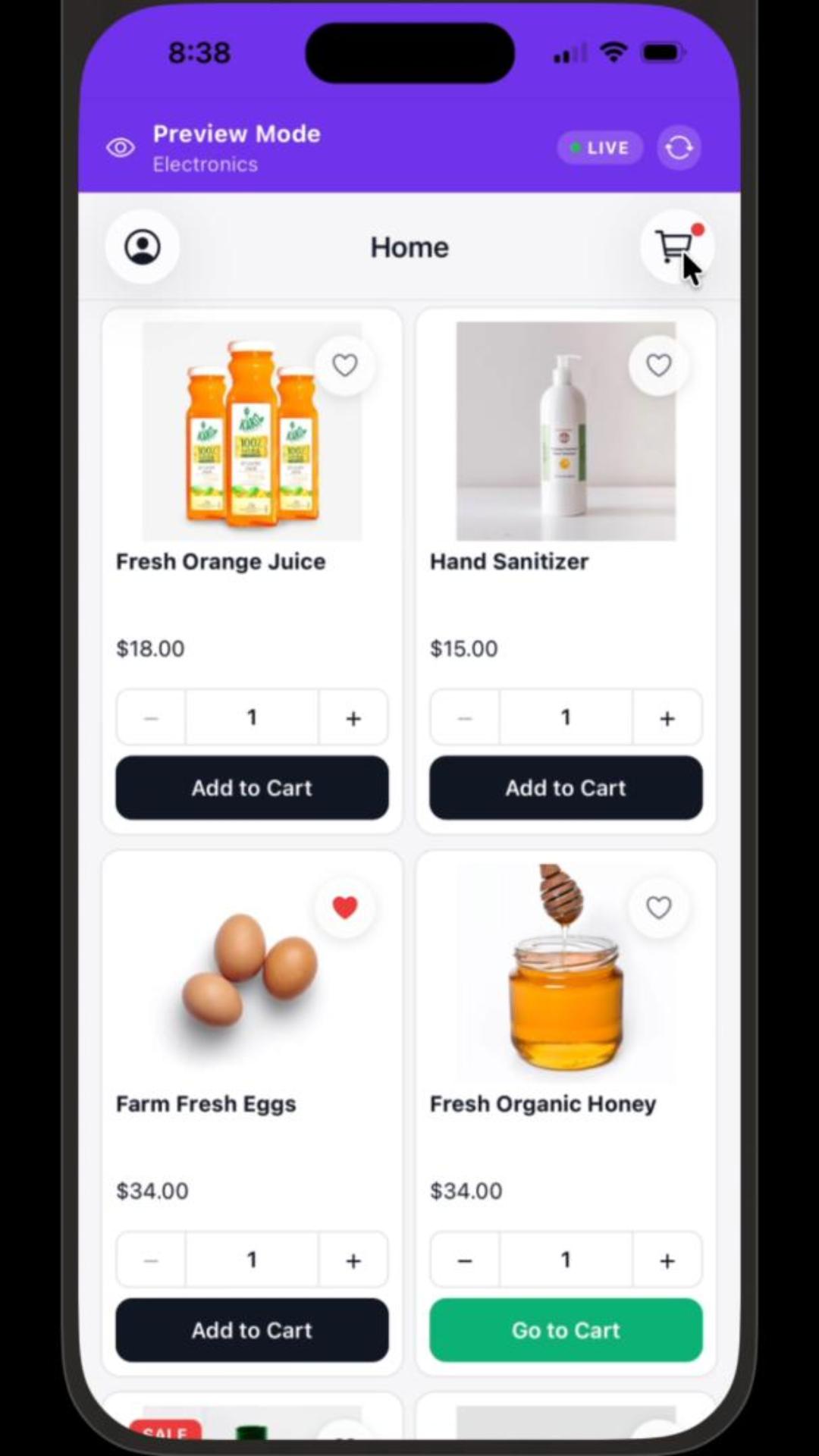
The BrewmyApp visual designer loads with a starter theme. On the left, a palette of configurable blocks — product grids, collection rails, hero banners, image carousels, category lists. The merchant drags a hero banner onto the home screen, adjusts headline text, and uploads a brand image. They pick a primary colour, and every component updates to match. They reorder blocks by drag, hide one block on a specific screen, and the canvas reflects the change in real time. No code, no rebuild, no waiting.
Try it on your own store
Design and preview your iOS & Android app for free. No credit card required.
Start Building for Free