WatchStep 0124s
Connect Your Shopify Store to BrewmyApp
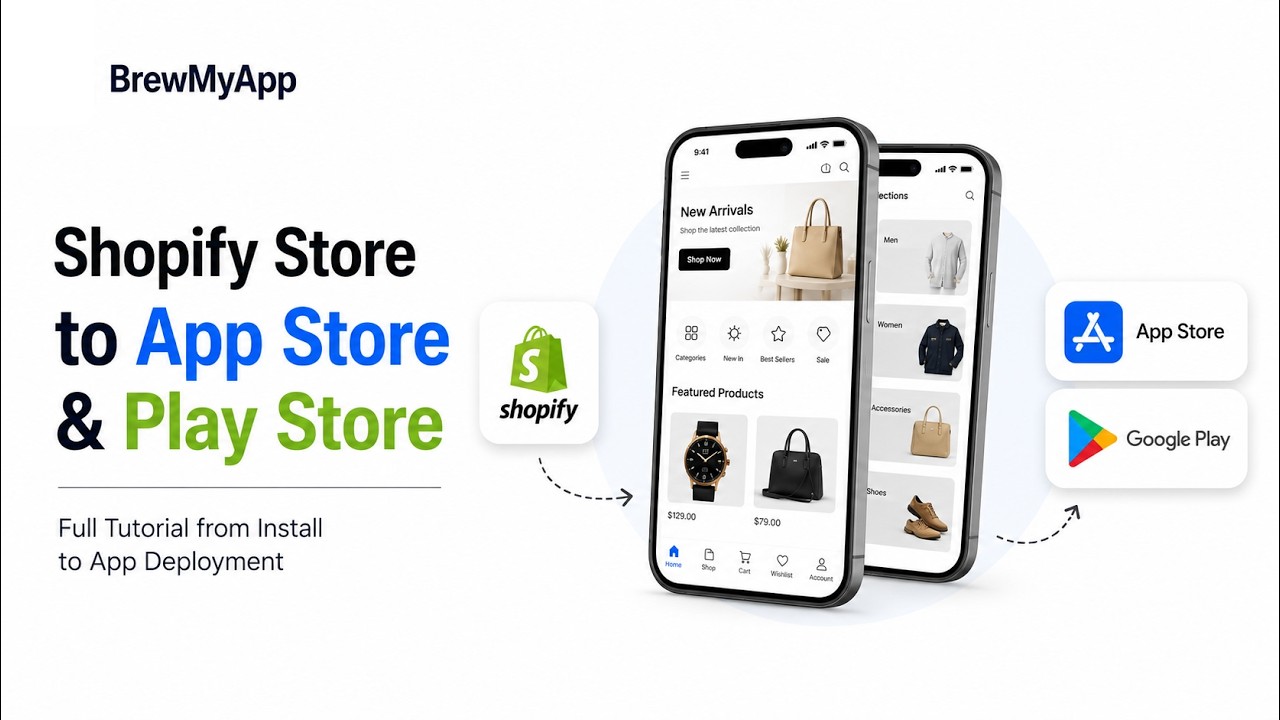
Watch how BrewmyApp connects a Shopify store in minutes. Authorise BrewmyApp once from the Shopify app listing and your products, collections, prices and inventory sync automatically — no coding required.
What you'll see
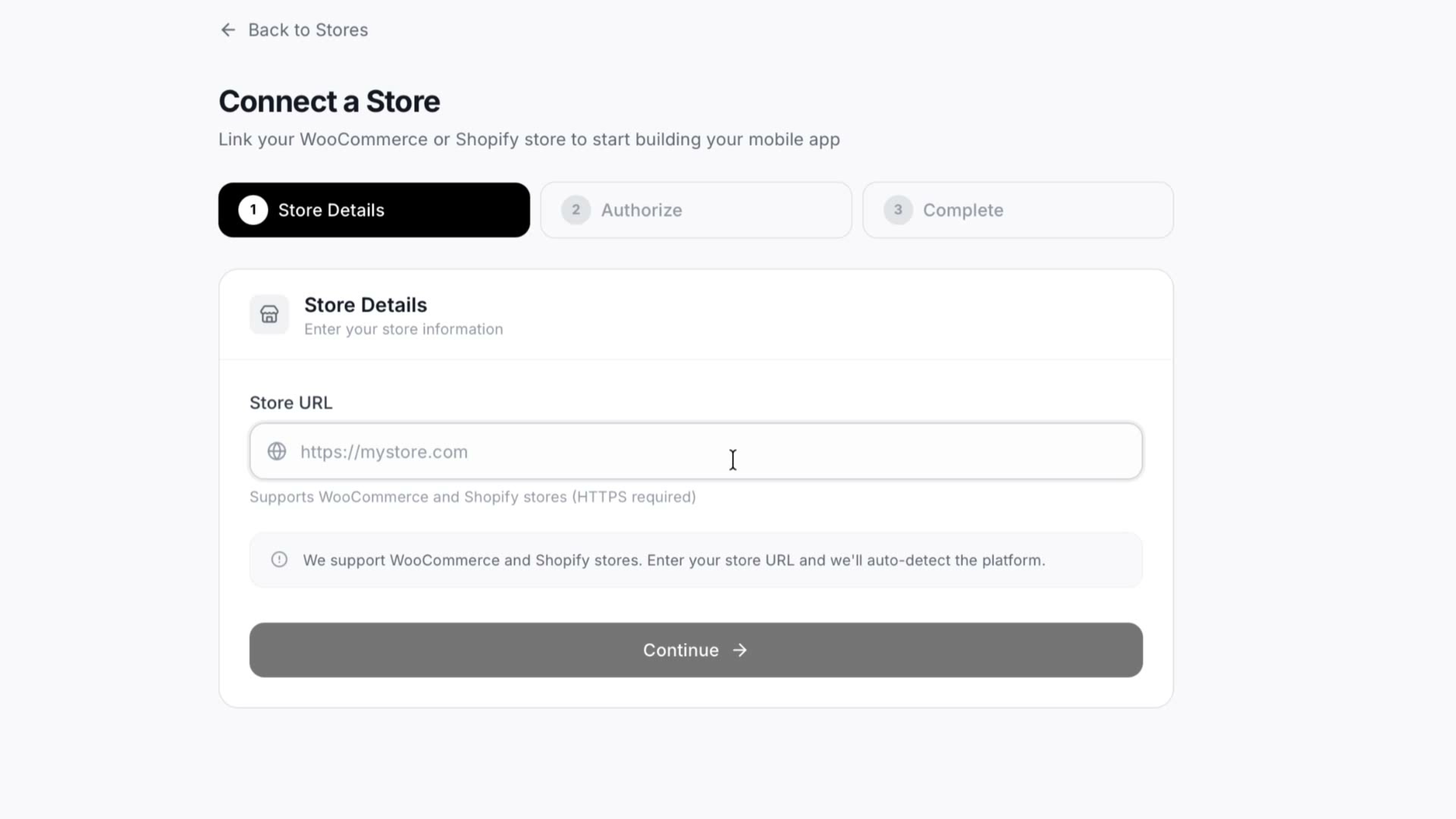
- 1Enter your Shopify store URL
- 2Authorise BrewmyApp via the Shopify app install flow
- 3Watch products and collections import automatically
- 4Confirm the store shows as connected
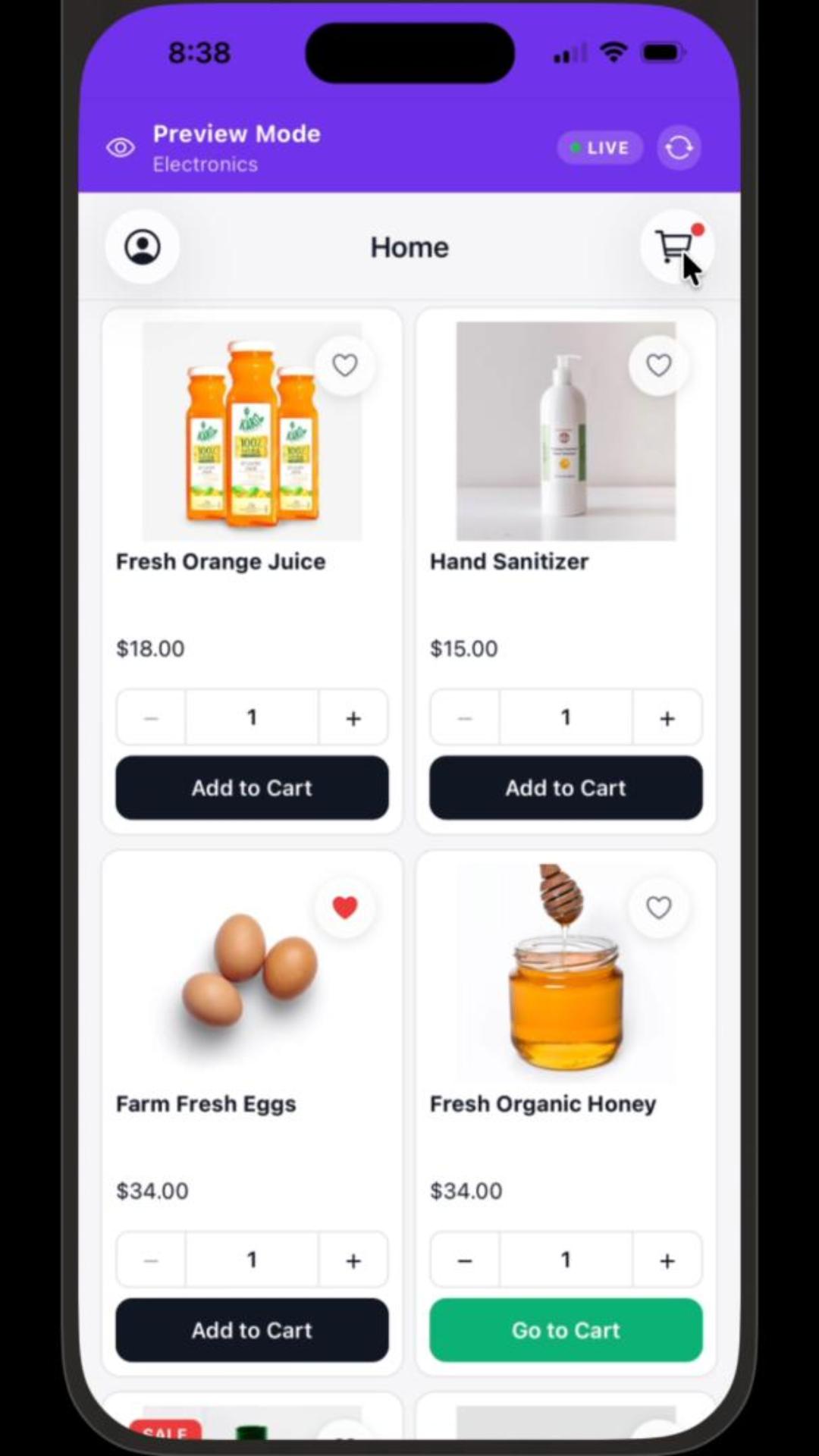
See how a merchant plugs an existing Shopify store into BrewmyApp. Enter your store URL, authorise BrewmyApp through Shopify's standard app install flow, and your full catalogue — products, collections, prices, stock levels — is pulled into the app builder and kept in sync from then on.
Try it on your own store
Design and preview your iOS & Android app for free. No credit card required.
Start Building for Free