WatchStep 0137s
Connect Your WooCommerce Store to BrewmyApp
Watch how BrewmyApp connects a WooCommerce store. Install the free BrewmyApp WordPress plugin, hit Connect, and your catalogue syncs automatically — no API keys to copy, no coding required.
What you'll see
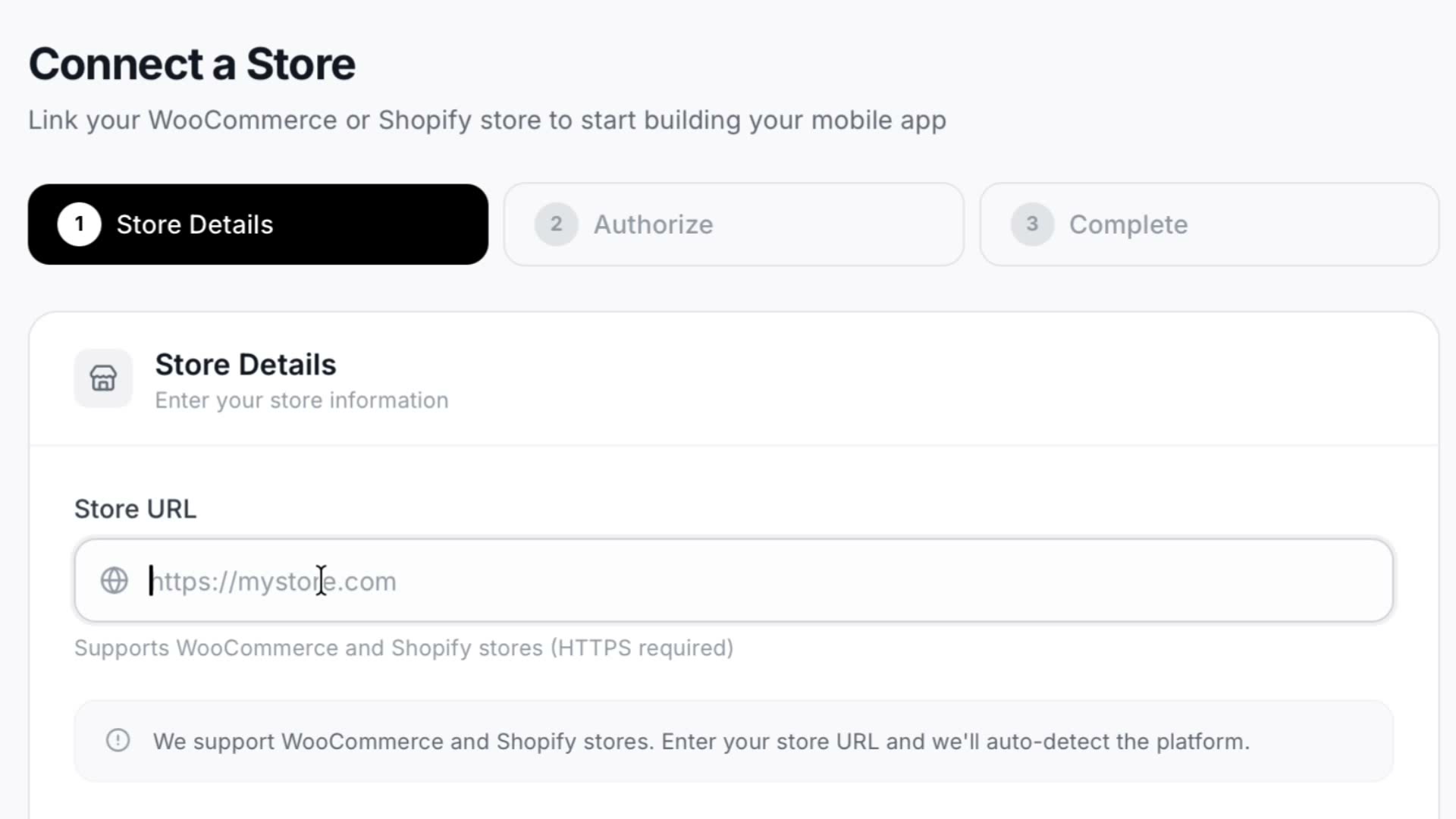
- 1Enter your WooCommerce store URL
- 2Install and activate the BrewmyApp WordPress plugin
- 3Open the plugin's Connect panel in wp-admin
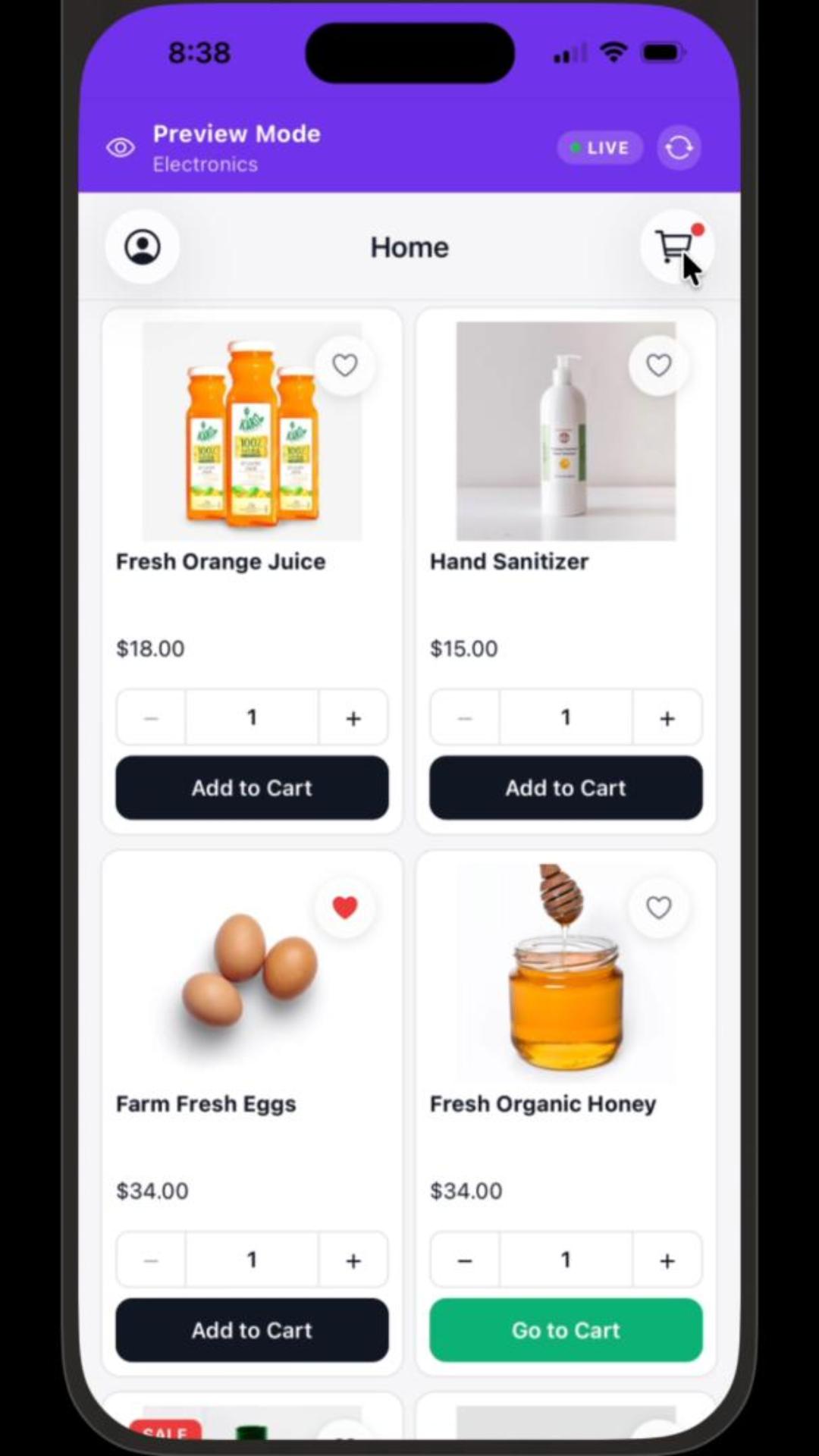
- 4Watch the catalogue sync — no API keys to copy
See how a merchant plugs an existing WooCommerce store into BrewmyApp. Enter your store URL, install and activate the BrewmyApp plugin from your own wp-admin, then hit Connect in the plugin panel — the catalogue syncs across on its own, with no API keys to copy by hand.
Try it on your own store
Design and preview your iOS & Android app for free. No credit card required.
Start Building for Free