WatchFull walkthrough3521s
Turn a Shopify Store Into a Native Mobile App — Full Walkthrough
A complete, unedited walkthrough: connect a Shopify store, design the app with drag-and-drop blocks, set up push notifications, and publish to the Apple App Store and Google Play — no code.
What you'll see
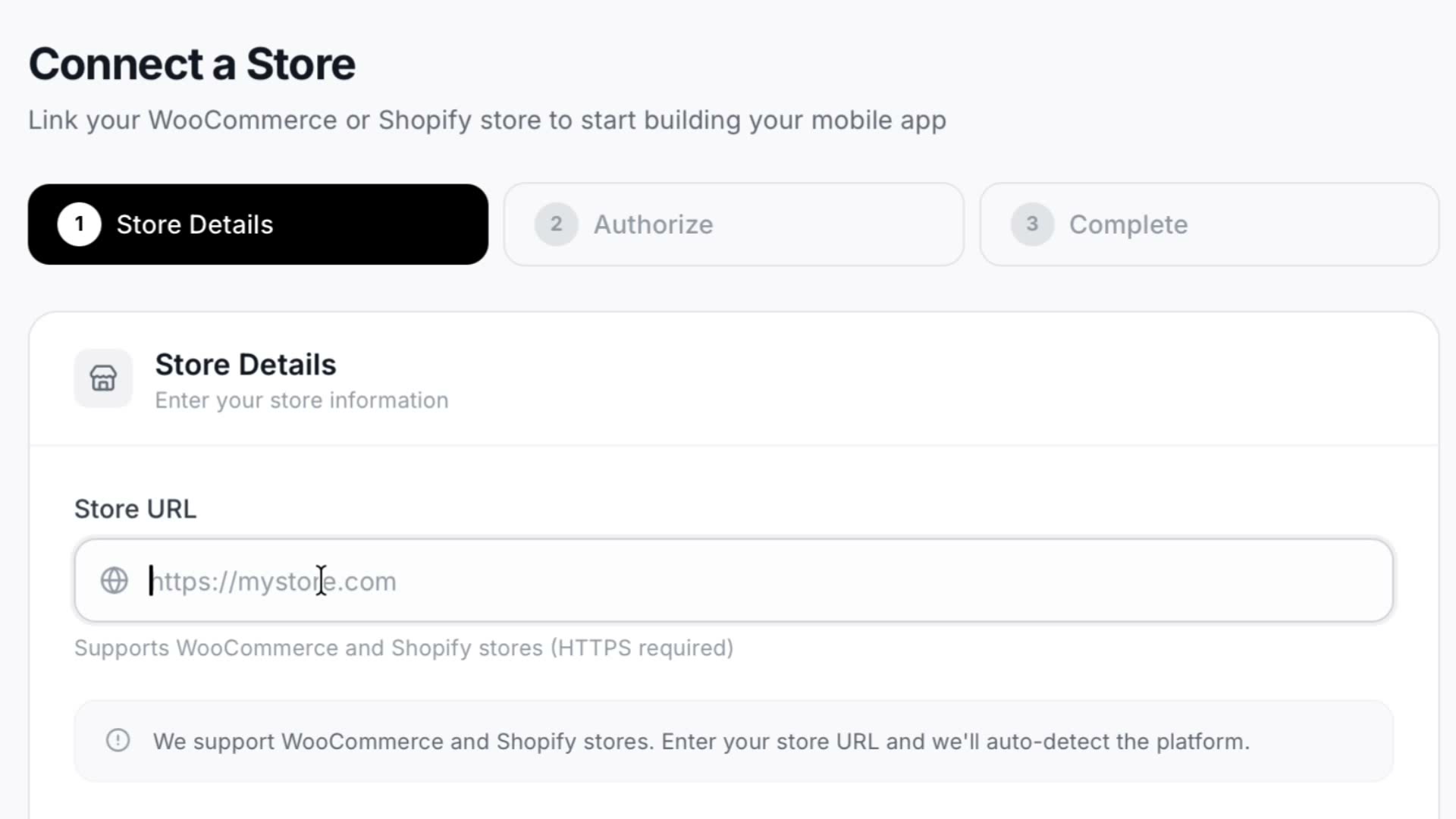
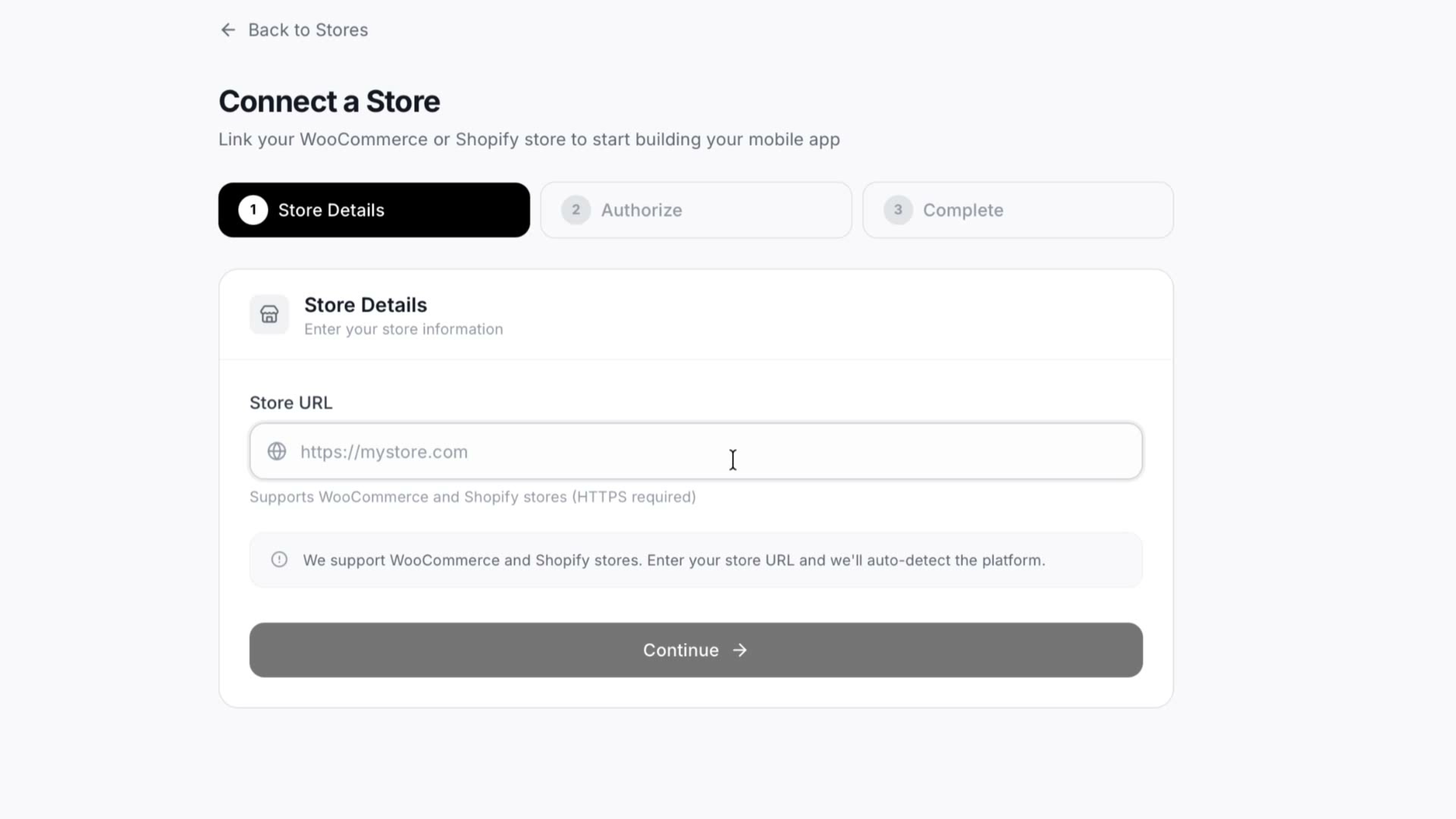
- 1Connecting your store
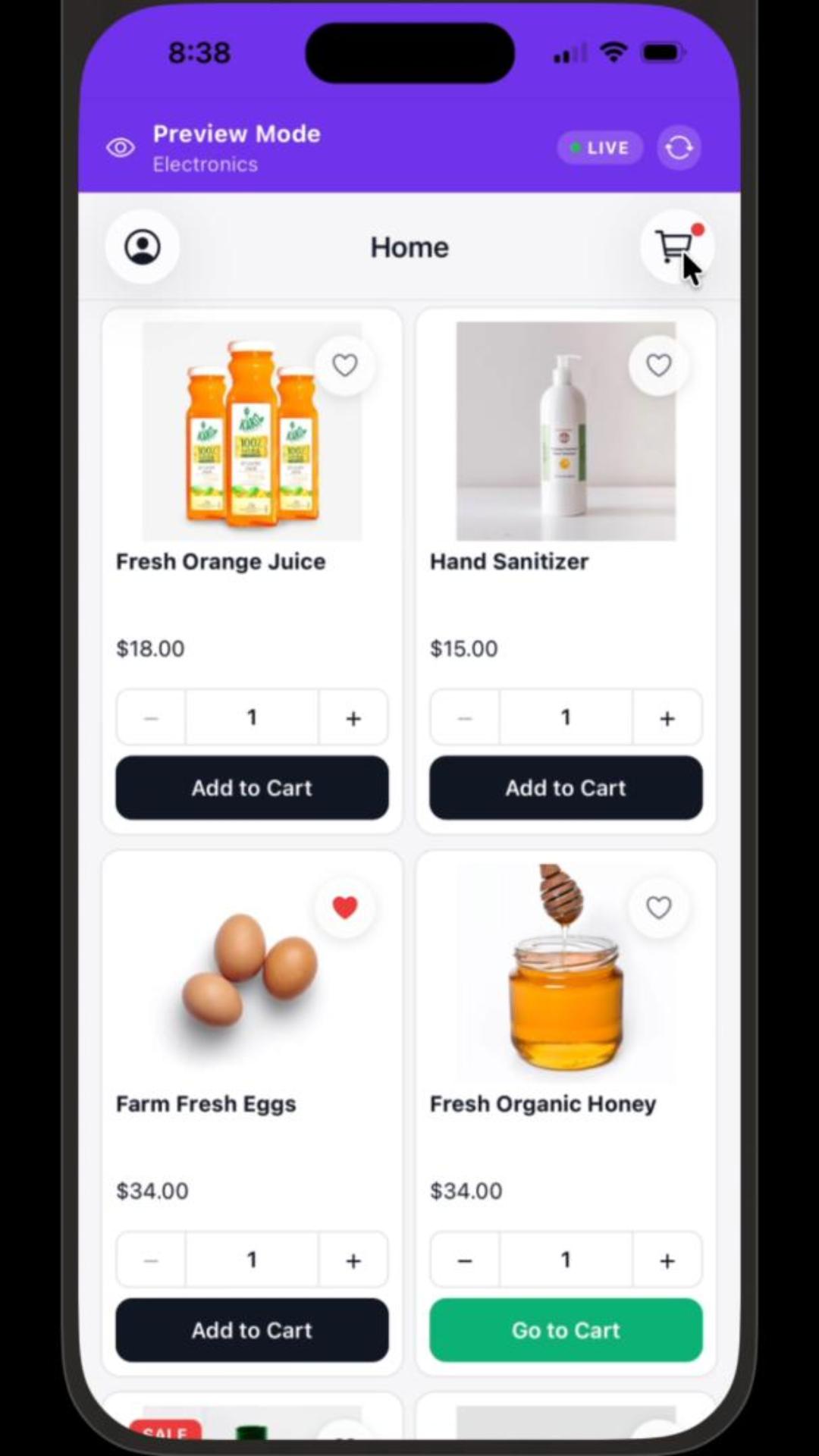
- 2Designing the app screens with drag-and-drop blocks
- 3Setting up push notifications
- 4Publishing to the Apple App Store and Google Play
The whole process end to end, in one recording. Connect your store, design the app screens with drag-and-drop blocks, set up push notifications, and publish to the Apple App Store and Google Play. Nothing is cut away between steps, so what you see is the real length of each stage rather than a montage.
Try it on your own store
Design and preview your iOS & Android app for free. No credit card required.
Start Building for Free