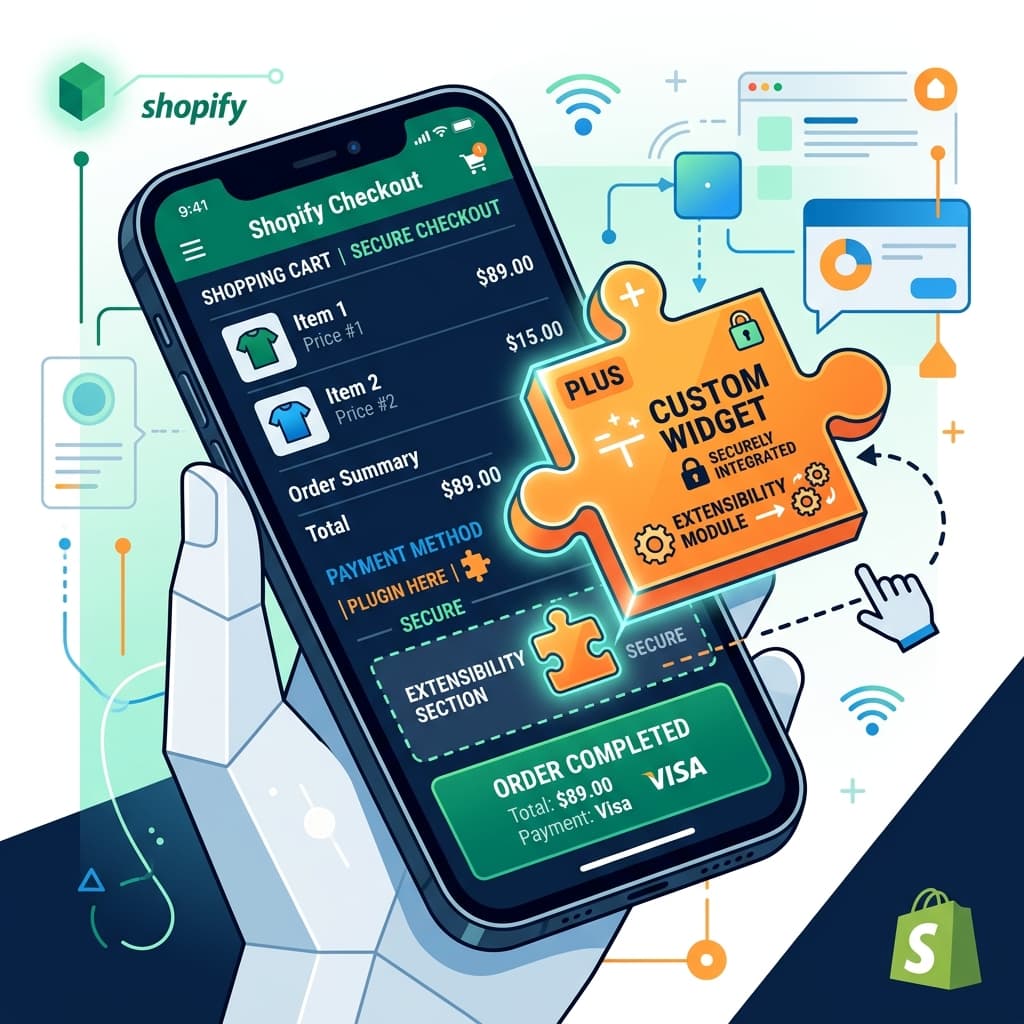
The Death of checkout.liquid
Shopify has officially deprecated the old custom checkout method (checkout.liquid) in favor of Checkout Extensibility. This is a major security, performance, and customization upgrade for Shopify merchants.
But what does this shift mean for your brand's native iOS and Android mobile apps?
Let's look at how Checkout Extensibility affects the native mobile commerce experience and how you can prepare your store.
The Power of Checkout Extensibility
Checkout Extensibility uses modern UI extensions and Shopify Pixels instead of raw code injection. This ensures:
- Faster checkout load speeds (crucial for mobile conversion).
- Inherent security (Shopify hosts and sandboxes the checkout components).
- Direct App compatibility (customizations don't break during Shopify platform upgrades).
Impact on Mobile Apps
For native mobile apps, checkout options were historically limited or required hacky web-views that disrupted the native experience:
- Secure Native Checkouts: With Checkout Extensibility, apps can use secure, sandboxed Web Checkout flows that carry over all your web store's customizations, discounts, shipping logic, and scripts without modification.
- Unified Data Tracking: Shopify Pixels ensure that conversion events (like add to cart, checkout start, purchase) are tracked accurately across both your website and mobile app without double-counting.
- App-Specific Checkout Customization: You can customize checkout pages dynamically for mobile app sessions (e.g., highlighting mobile payment methods like Apple Pay first).
No-code app builders like BrewmyApp automatically support Shopify Checkout Extensibility out of the box, ensuring your checkout path remains compliant and optimized.
Connecting your store to BrewmyApp
Three ways to connect your store
You do not create an account first. Every route below signs you up and connects the store in the same step.
- From the BrewmyApp homepage. Paste your store URL into the box at the top of brewmyapp.io, approve the install, and you land in the designer with your products already synced.
- From the Shopify App Store. Install BrewmyApp directly from Shopify. The install itself creates your account and links the store — nothing to fill in afterwards.
- From the dashboard. Already have a store connected and want to add another? Add it from your stores page.
Whichever you pick, products, collections, variants, and inventory sync automatically. There is no CSV export and no API key to paste.
BrewmyApp is $49/month or $499/year per store. Designing your app and previewing it on a real device is free — you pay when you build and publish. The app stores charge separately: Apple's Developer Program is $99/year and Google Play is a one-time $25 fee.
Ready to Turn Your Store into a Mobile App?
Design and preview your app for free. No coding required.
Start Building for Free