Turn Web Visitors into App Power Users
Building a beautiful native mobile app is only half the battle. To see a return on your investment, you need your customers to download it.
Luckily, you already have a powerful acquisition channel: your existing website traffic. By directing mobile web visitors to your app, you move them from a low-conversion browser environment to a high-conversion native experience.
Here are 5 proven, high-converting tactics to promote your app directly on your ecommerce website.
1. Set Up Smart App Banners
Smart App Banners are small, native browser banners that display at the very top of your mobile website:
- On iOS, Safari displays a native banner linking to the App Store.
- On Android, Chrome supports similar install banners.
- They are non-intrusive, look professional, and deep-link directly to your app store listing.
2. Incentivize the First Download
Give users an immediate financial reason to get the app:
- Add a sticky banner or exit-intent popup offering "Get 15% off your first purchase when you download our app!"
- Provide an app-only discount code automatically applied at checkout.
3. Leverage Your Order Confirmation & Shipping Emails
The moment of highest customer engagement is right after they place an order:
- On your web order confirmation page, add download badges.
- In transactional emails (order confirmation, tracking updates), remind them: "Track your order live and get delivery push notifications by downloading our app!"
4. Create a Dedicated Landing Page
Build a simple, clean landing page on your website dedicated to your mobile app:
- Showcase core benefits (faster checkout, push notification updates, exclusive drops).
- Link directly to iOS and Android app stores.
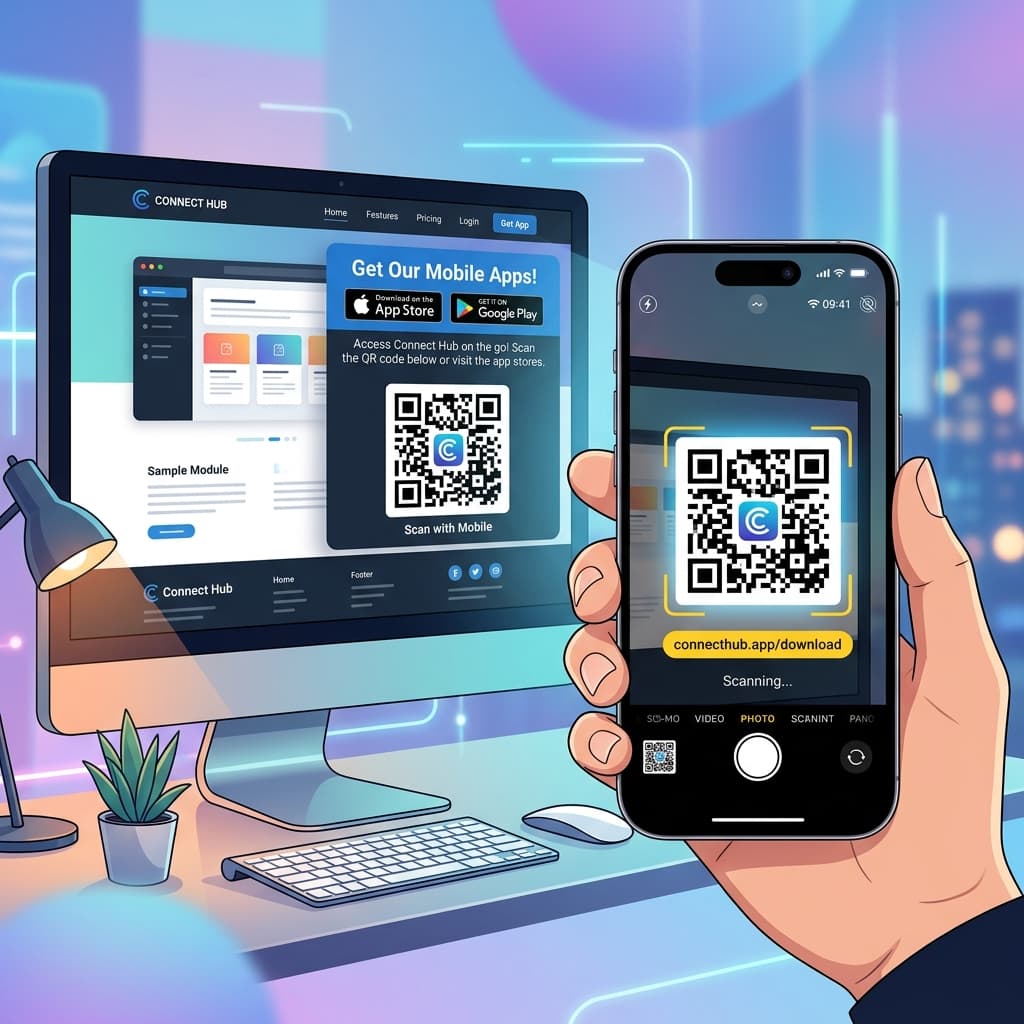
- Include a QR code so desktop users can easily scan to download.
5. Highlight App Features on Your Product Pages
Add subtle cues on high-intent product pages:
- Under the "Add to Cart" button, write "Unlock free shipping & early sale access on our app."
Ready to build your app and scale your retention marketing?
Ready to Turn Your Store into a Mobile App?
Design and preview your app for free. No coding required.
Start Building for Free