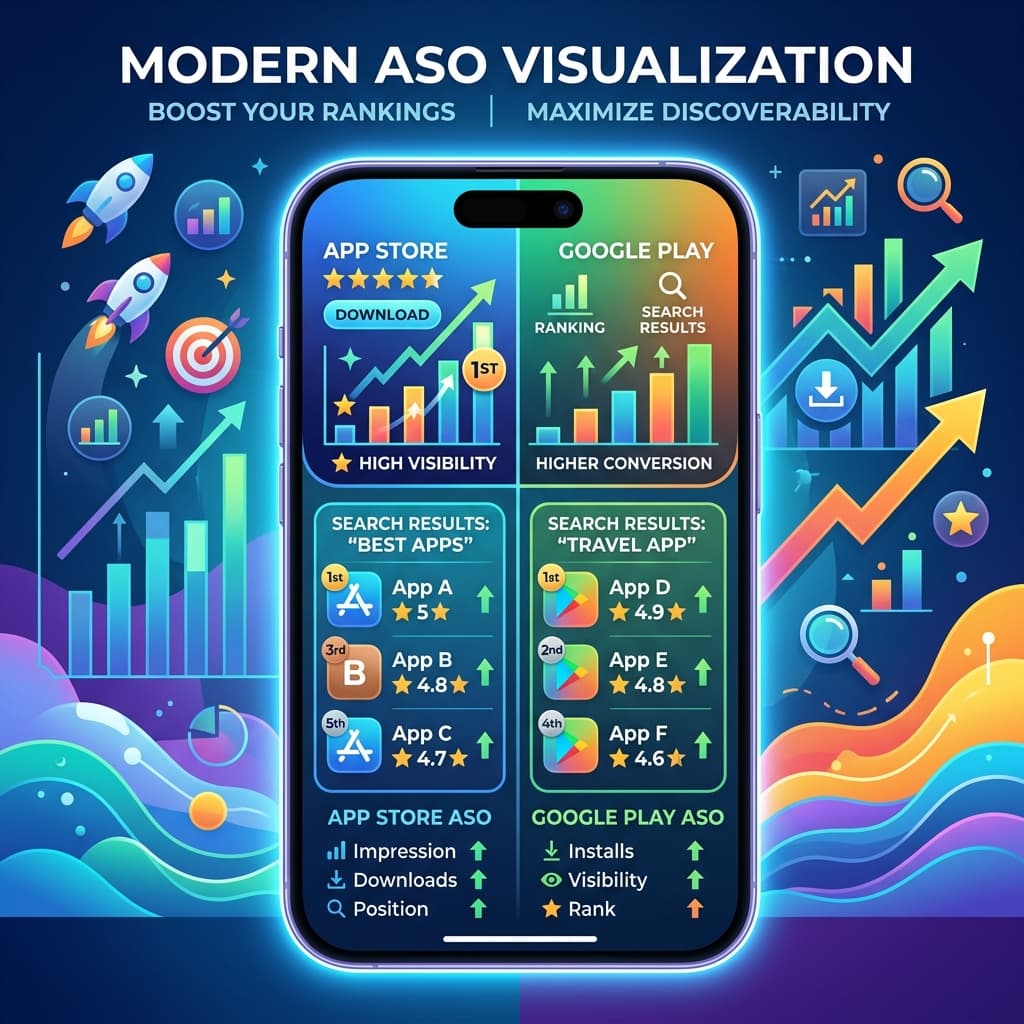
Why ASO Matters for Your Ecommerce Brand
Most D2C brands assume their app downloads will only come from web redirects. However, organic search within the App Store and Google Play Store represents a massive, untapped acquisition channel.
When potential customers search for terms like "boho dresses," "organic skincare," or "specialty coffee," having your brand's native app rank in the top search results can drive consistent, high-intent installations for free.
This process is called App Store Optimization (ASO). Here is how to optimize your app store listings to rank higher.
1. Optimize Your App Title & Subtitle
Your app title holds the highest ranking weight. Don't just list your brand name:
- Good Title: BrandName | Boho Dresses & Fashion
- Good Subtitle: Shop trending women's clothing
- Include high-volume keywords in your title and subtitle naturally.
2. Craft a Keyword-Rich Description
While the iOS App Store uses a dedicated keyword field (which is hidden from users), the Google Play Store indexes keywords directly from your description page:
- Write a compelling description that outlines app benefits (fast checkout, push alerts).
- Include core keywords in the first 2-3 paragraphs.
3. Design High-Converting Screenshot Visuals
Screenshots drive download conversions. Don't just post raw UI pages:
- Add stylized device frames with clean, readable text overlays.
- Highlight features: "App-Exclusive Sales," "Express Checkout," "Easy Order Tracking."
4. Build a Review Velocity Loop
Reviews and ratings are heavy ranking factors for both Apple and Google algorithms:
- Prompt users to rate the app inside the app experience, ideally after a successful purchase or positive interaction.
- Respond to negative reviews quickly to resolve customer issues.
Using BrewmyApp streamlines the store publishing process, ensuring your metadata, assets, and builds conform directly to Apple and Google store guidelines.
Ready to Turn Your Store into a Mobile App?
Design and preview your app for free. No coding required.
Start Building for Free