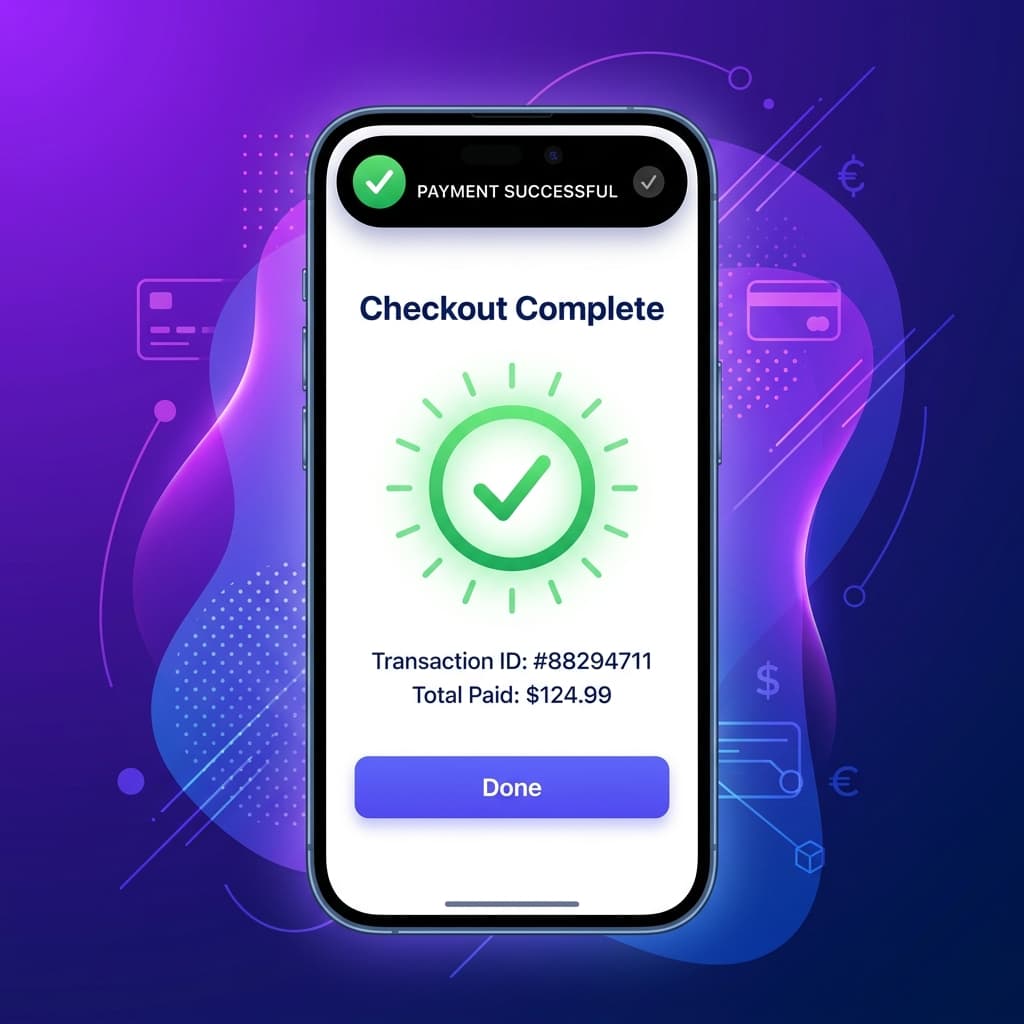
Why Your Mobile Checkout Is Leaking Revenue
Mobile shopping cart abandonment sits at a staggering 80%+. The primary culprit? Checkout friction. On mobile devices, typing long shipping addresses, entering credit card numbers, and navigating slow, non-responsive web pages is a frustrating experience for users.
By moving your WooCommerce store into a native mobile app, you can completely overhaul the checkout experience and boost your conversion rates. Here is how to optimize your WooCommerce mobile app checkout for maximum conversions.
1. Enable One-Click Express Payments
The single most effective optimization is native express checkout. Integrating:
- Apple Pay and Google Pay
- Link by Stripe This allows customers to bypass address and payment forms entirely. They authenticate with FaceID/TouchID and finish the order in under 5 seconds.
2. Implement Smart Address Auto-Complete
For users entering new addresses, type-ahead suggestions powered by Google Places API prevent errors and save typing:
- Reduces address-entry time by 50%.
- Eliminates delivery failures due to typos.
3. Keep Input Fields to a Minimum
Only ask for what is absolutely necessary:
- Merge "First Name" and "Last Name" into a single "Full Name" field.
- Default the billing address to be the same as the shipping address.
- Avoid forcing users to create an account before buying—support guest checkouts.
4. Provide Visual Progress Indicators
If your checkout requires multiple steps (e.g., Shipping -> Shipping Method -> Payment), show a simple progress bar at the top:
- Tells users exactly how close they are to completion.
- Reduces anxiety and abandonment.
5. Guarantee Security Visually
Mobile shoppers are highly sensitive to security. Display trusted payment badges (Stripe, PayPal, SSL locks) close to the final "Place Order" button to reinforce credibility.
By building your app with BrewmyApp, you get these optimization features built-in right out of the box, directly synced with your WooCommerce checkout rules.
Ready to Turn Your Store into a Mobile App?
Design and preview your app for free. No coding required.
Start Building for Free