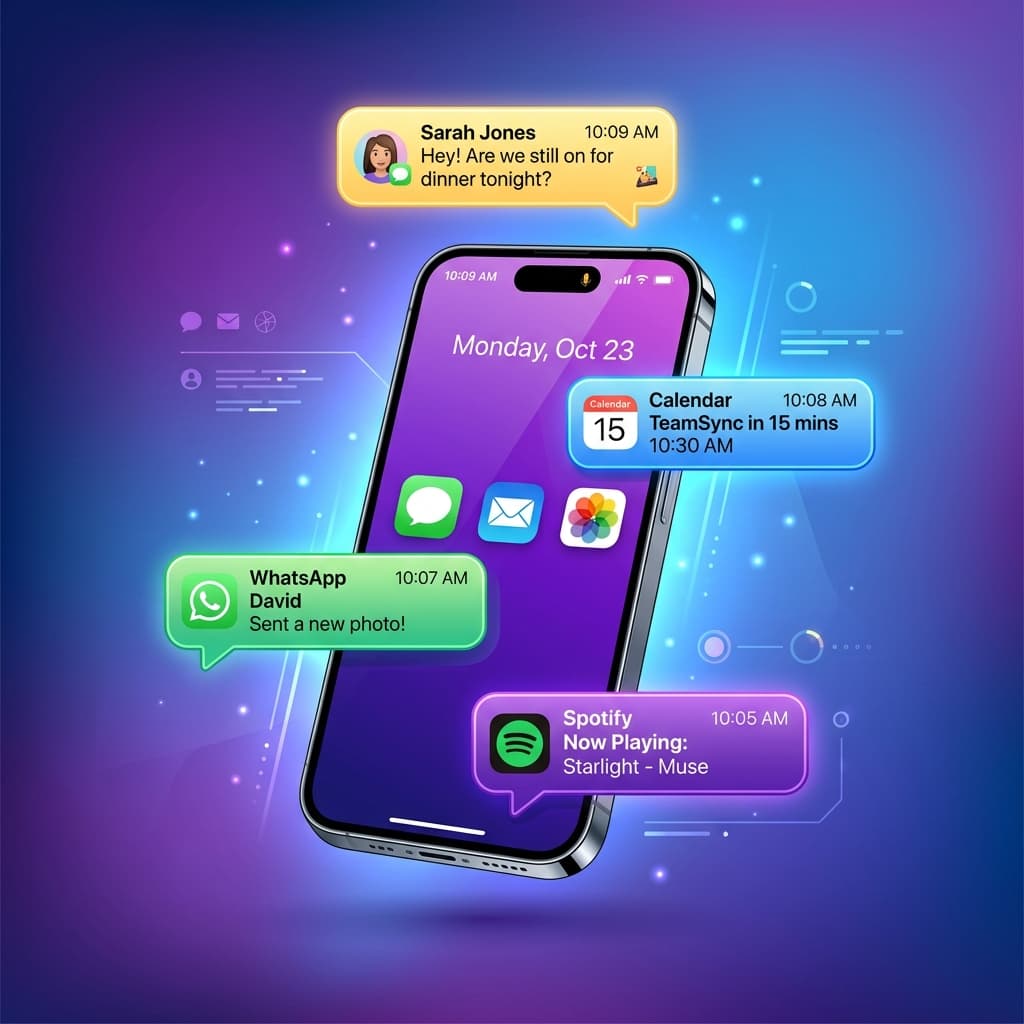
Push Notifications: Your D2C Superpower
Unlike emails that sit in unread folders or SMS messages that cost money per send, push notifications land directly on your customer's lock screen for free. When used correctly, they can drive a 20-30% increase in store revenue.
However, there is a fine line between a high-converting notification and spam that leads to immediate app uninstalls. Here are 7 best practices to double your sales while maintaining a great customer experience.
1. Personalize Beyond Just the Name
Don't just say "Hey John, check our new arrivals!" Instead, segment users based on their browsing history or past purchases:
- "Hey John, we noticed you loved our organic coffee. Here is 10% off your next bag!"
- Personalization increases click-through rates (CTR) by up to 4x.
2. Time it According to the User's Timezone
Avoid waking up customers at 3:00 AM with discount notifications. Use localized scheduling:
- Optimal times are mid-morning (10:00 AM) or late evening (8:00 PM) when users are browsing their phones.
- Segment campaigns by local timezone boundaries.
3. Master the Abandoned Cart Sequence
An email cart recovery sequence has a 2-3% click rate. A push notification recovery sequence can reach 15%+:
- Send the first notification within 45 minutes of abandonment.
- Highlight the product name and offer a direct checkout link.
- Send a follow-up 24 hours later with a small discount or free shipping incentive.
4. Keep it Short and Punchy
Mobile lock screens truncate text quickly. Keep your message under 120 characters:
- Make the value proposition clear in the first 50 characters.
- Use emojis contextually to draw visual attention, but don't overdo it.
5. Send App-Exclusive Offers
Give users a reason to keep your app installed. Promote exclusive sales, early access to new product drops, and app-only coupon codes.
6. Use Rich Push Media
Whenever possible, include product images, GIFs, or action buttons in your notifications. Rich media notifications see up to 56% higher open rates than text-only notifications.
7. Test and Optimize Frequently
A/B test your subject lines, coupon values, and send times. Track your metrics—open rates, conversion rates, and uninstall rates—to find the perfect balance for your D2C brand.
Ready to start sending push notifications? Convert your store today:
Ready to Turn Your Store into a Mobile App?
Design and preview your app for free. No coding required.
Start Building for Free